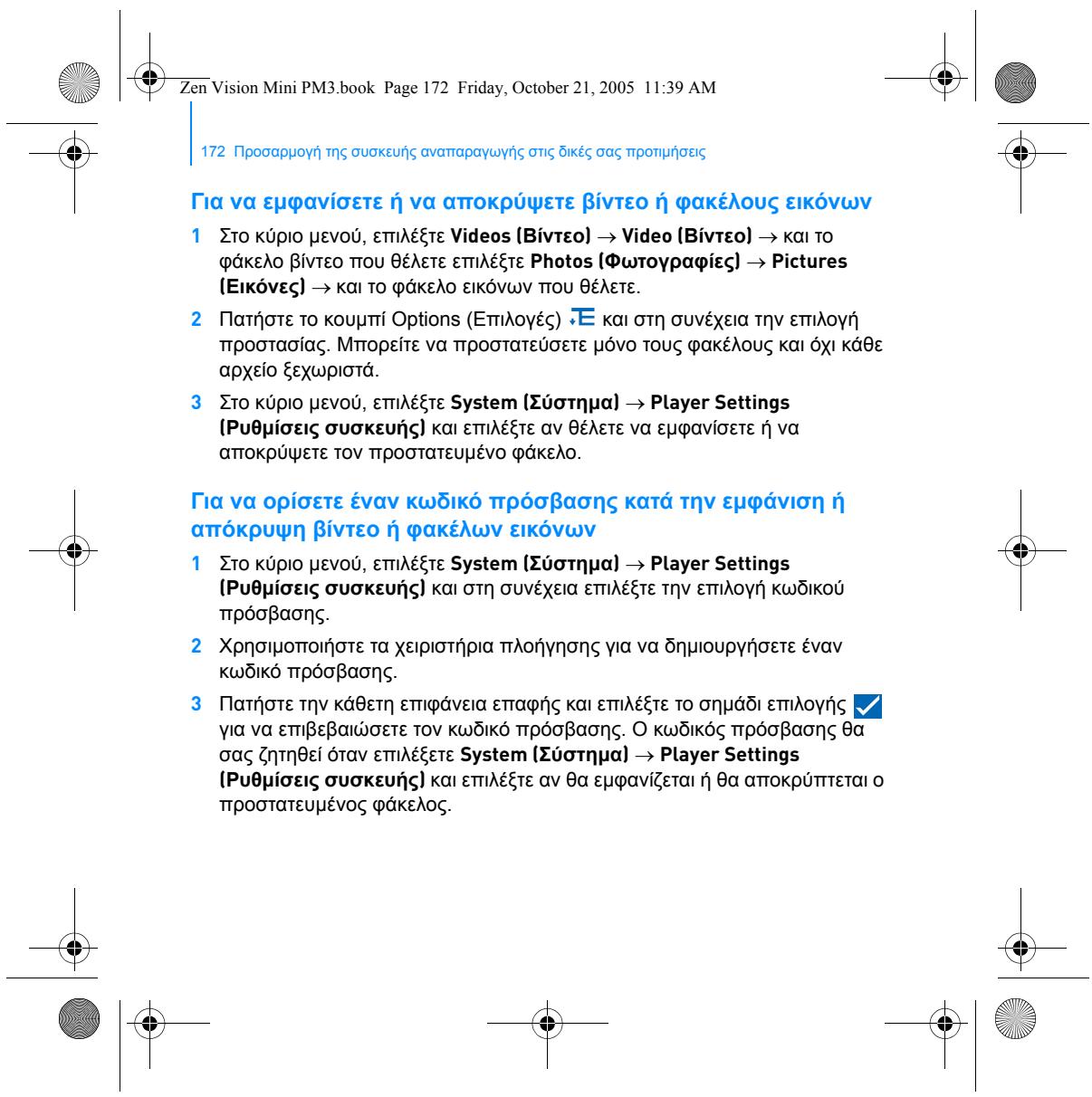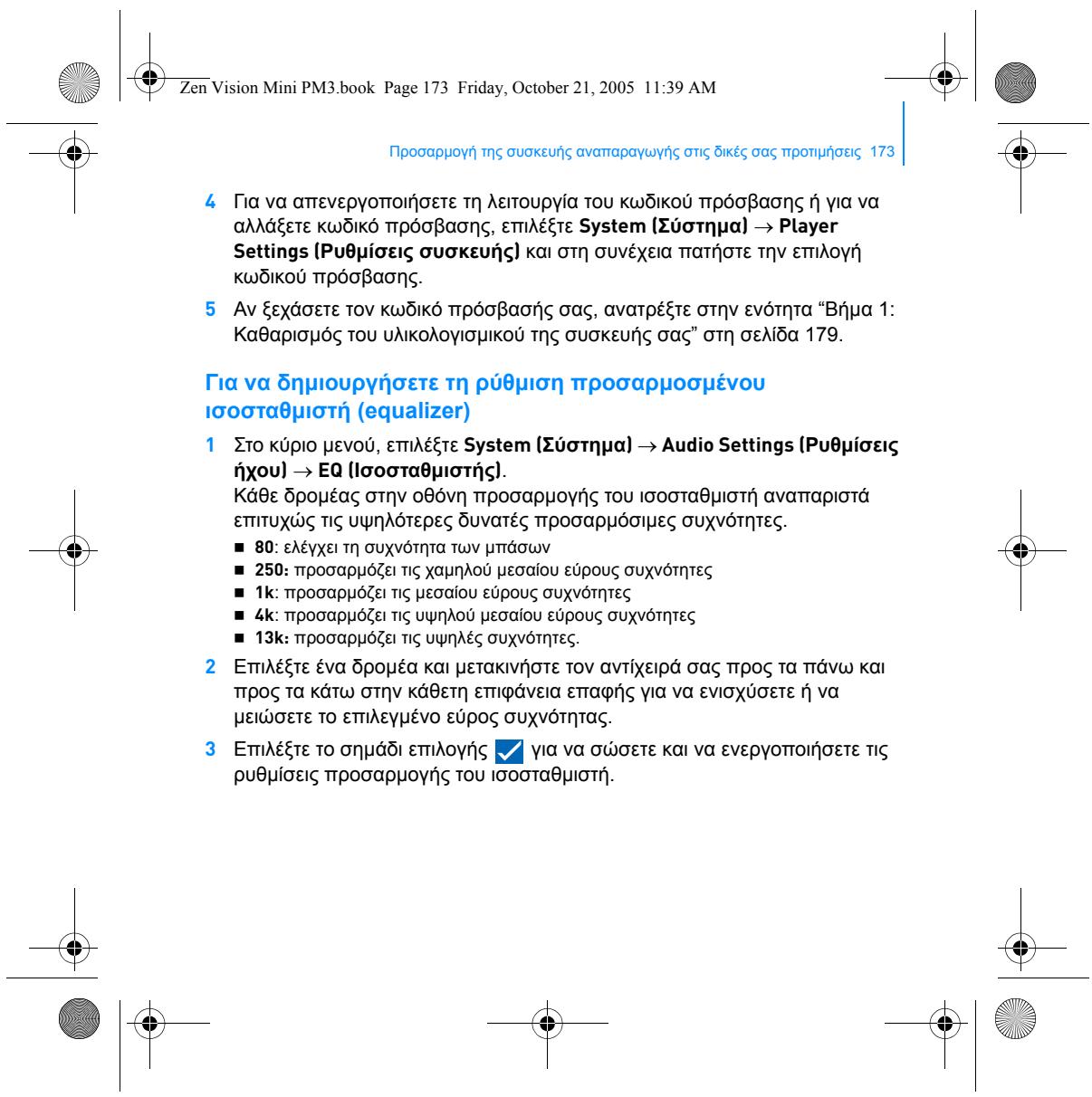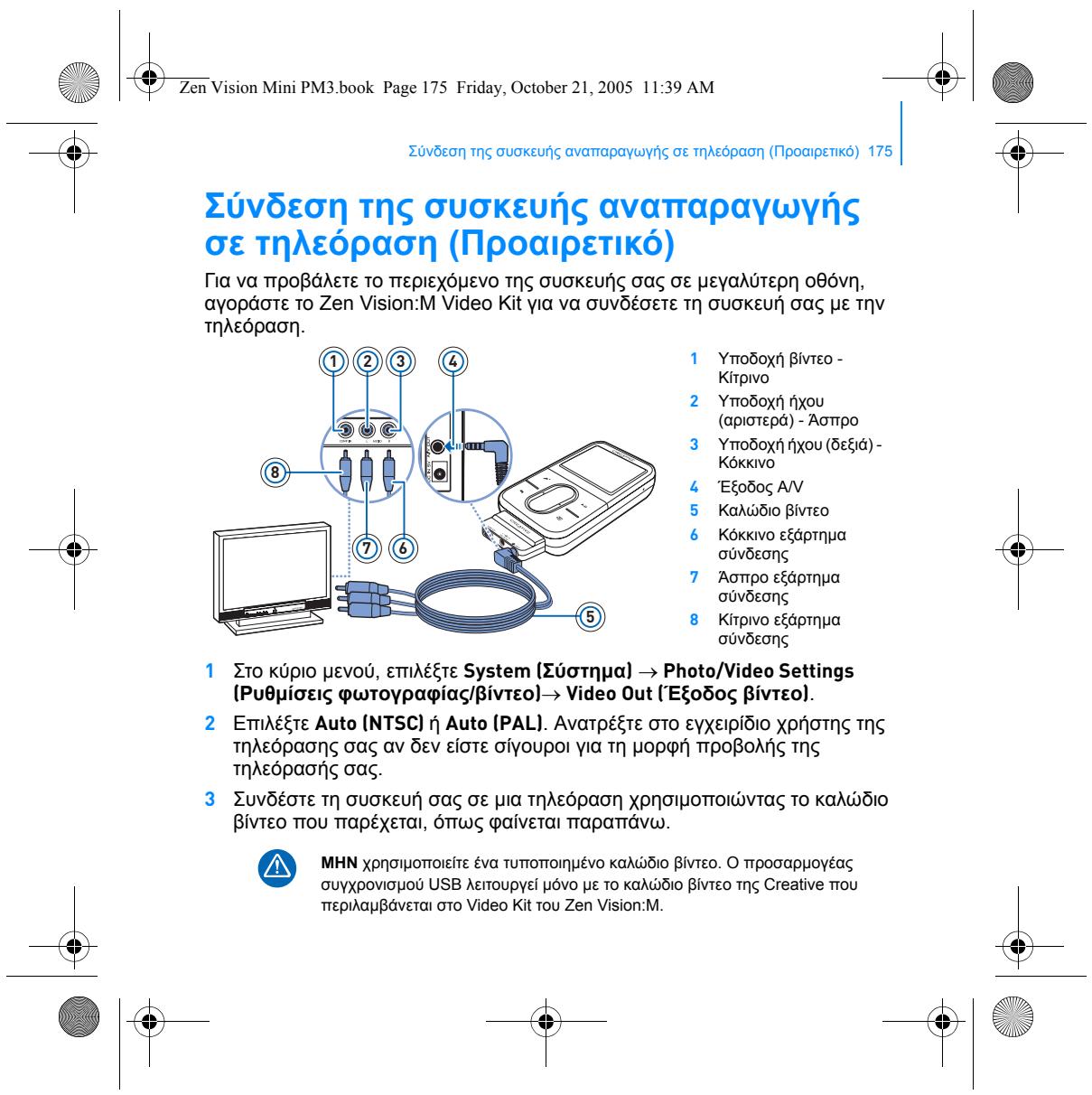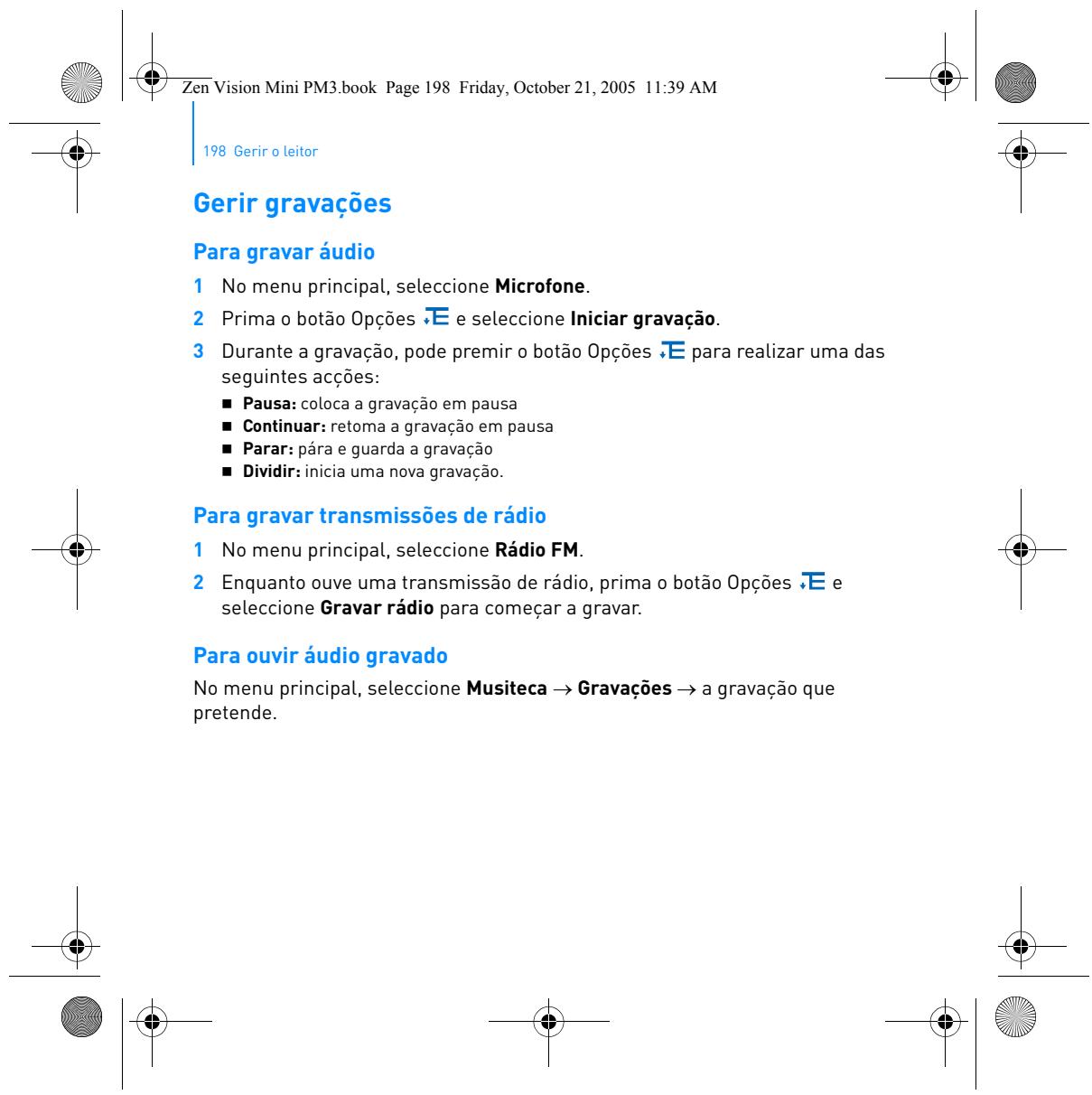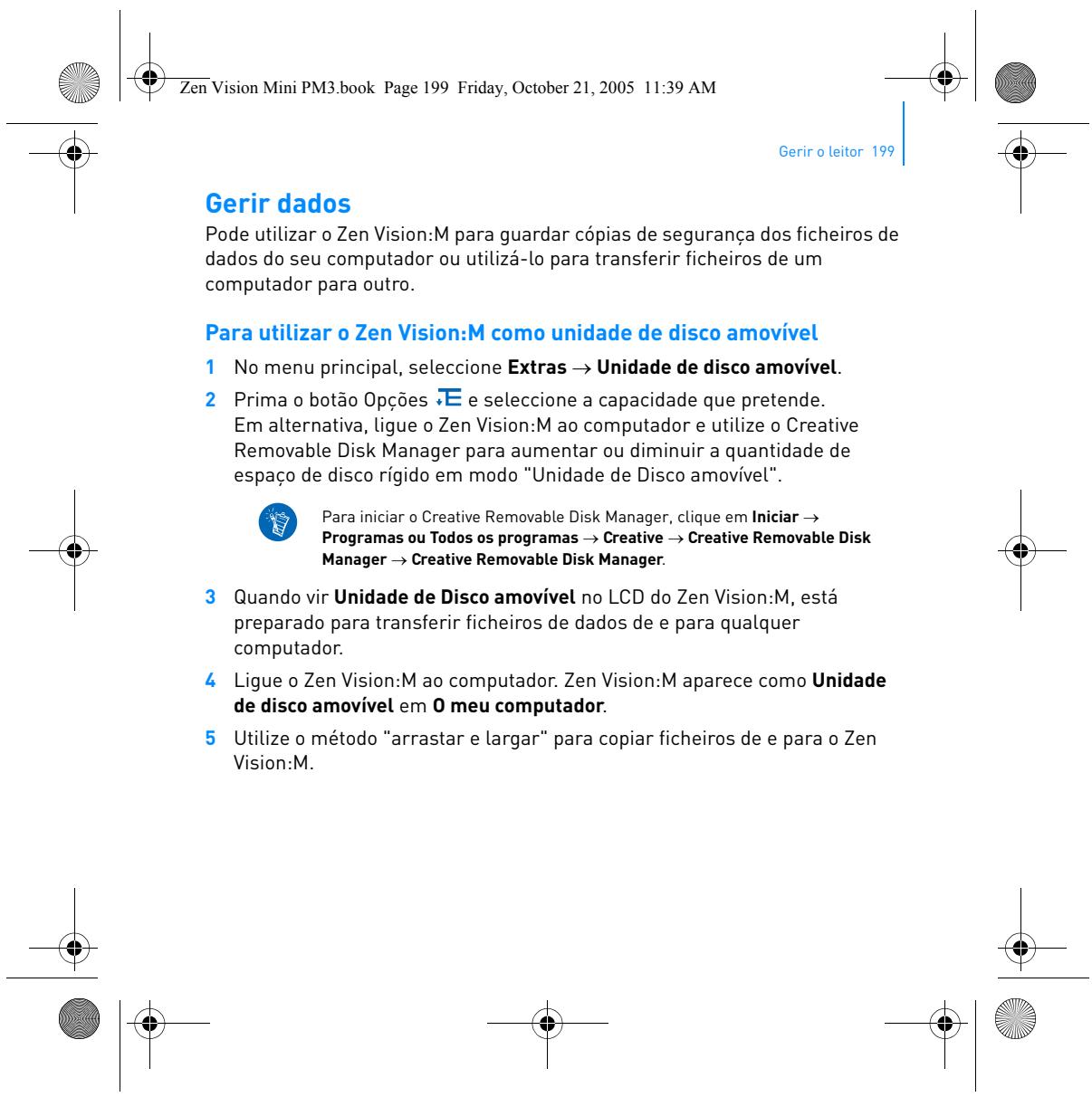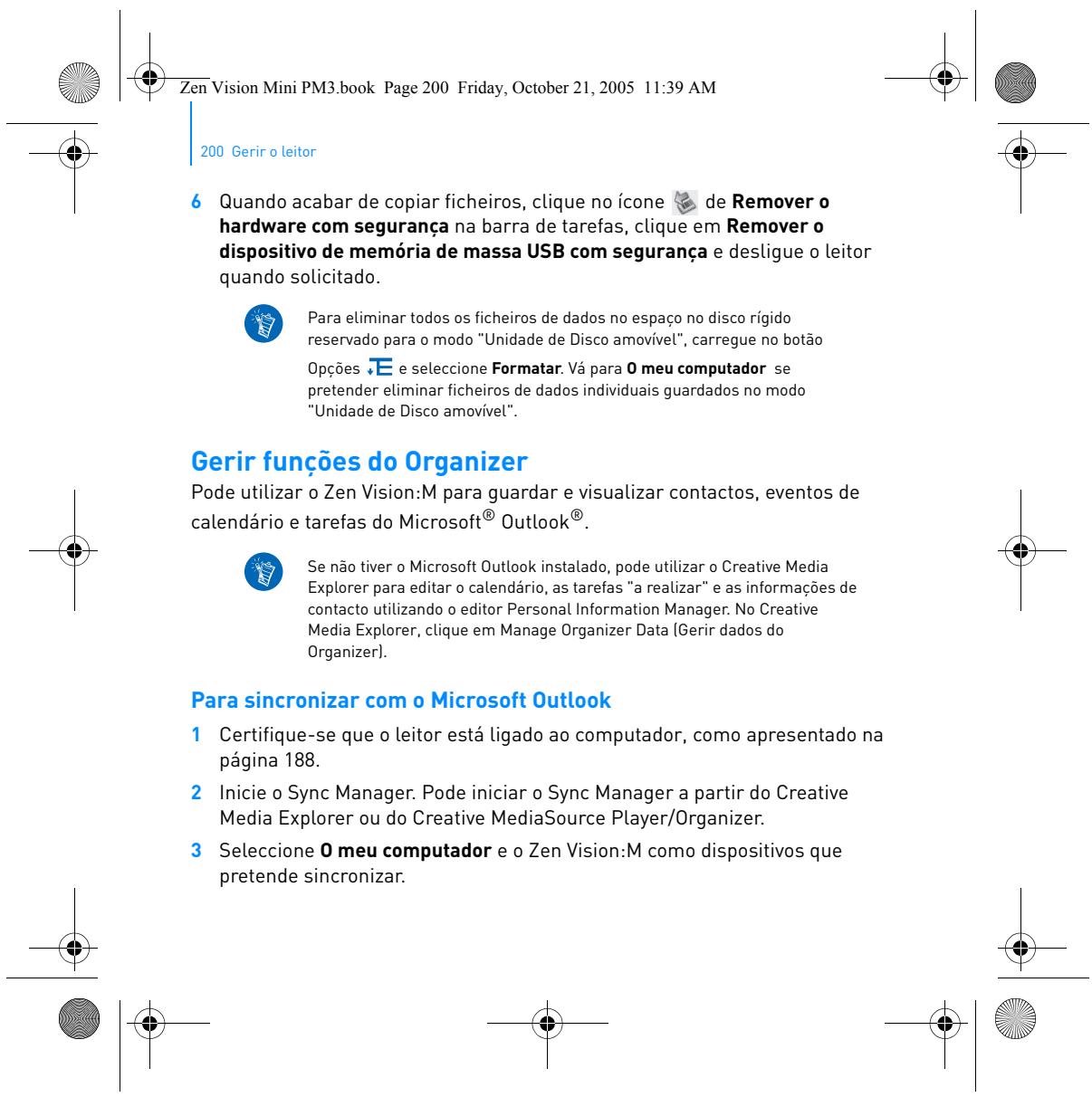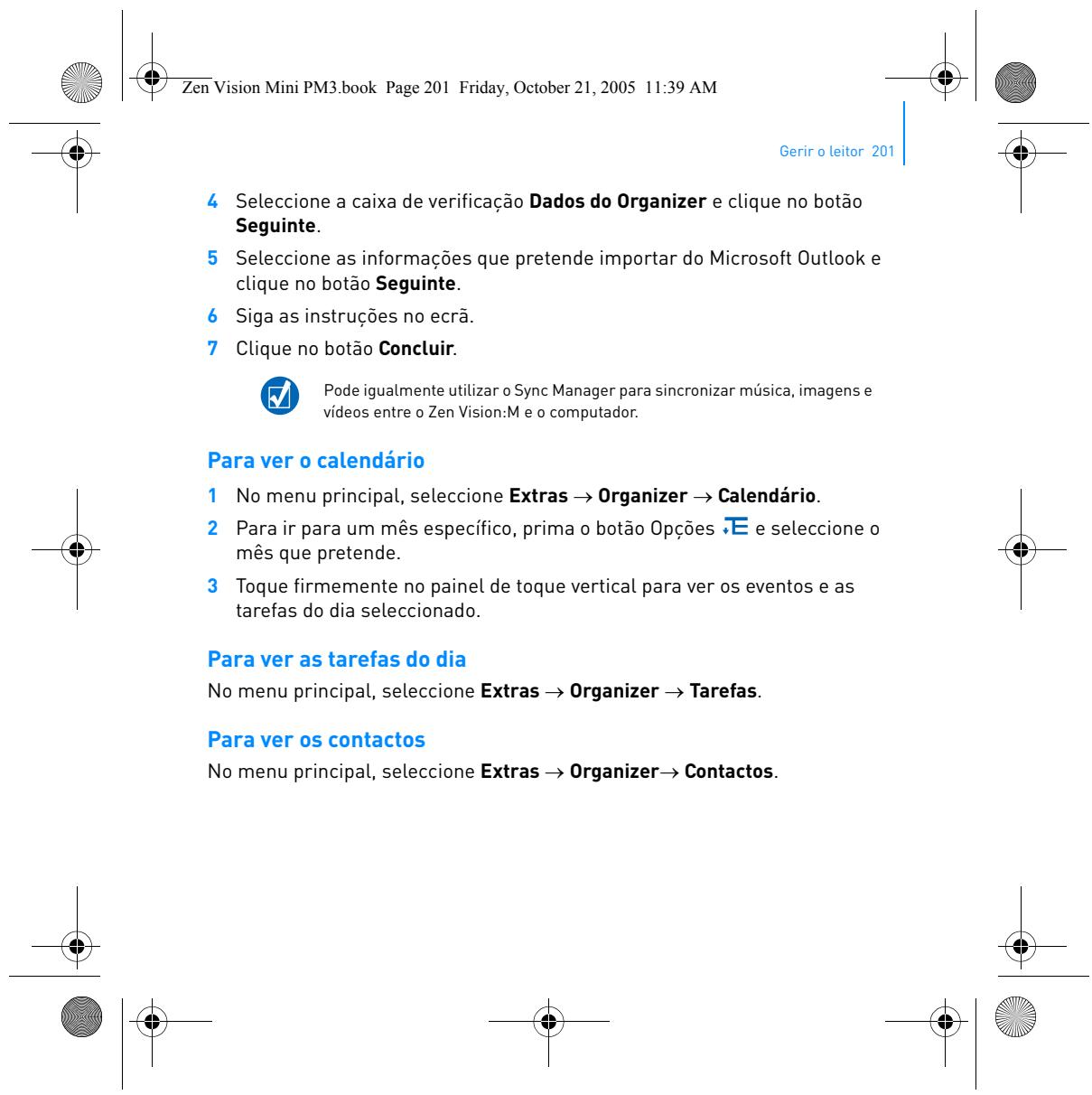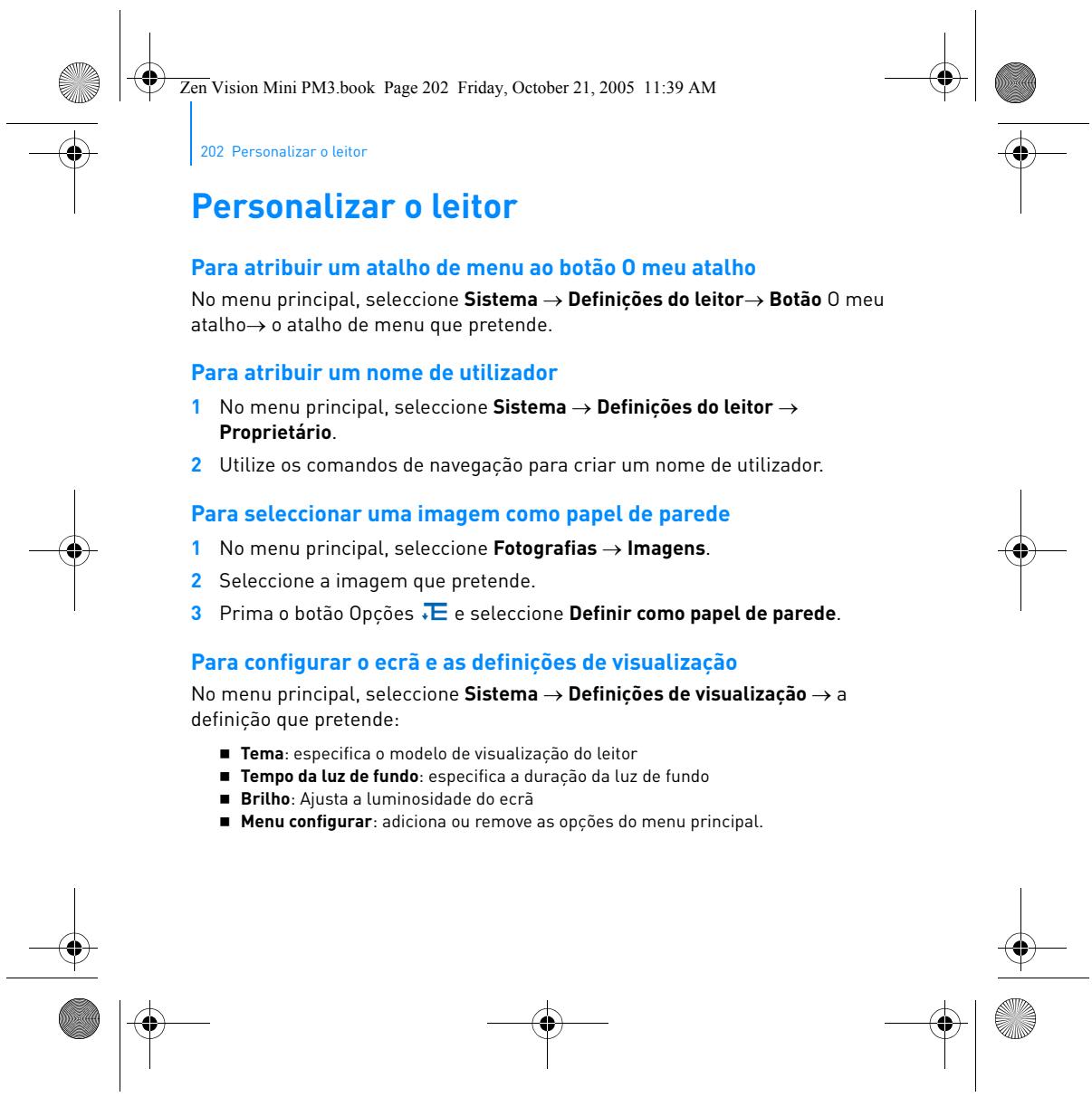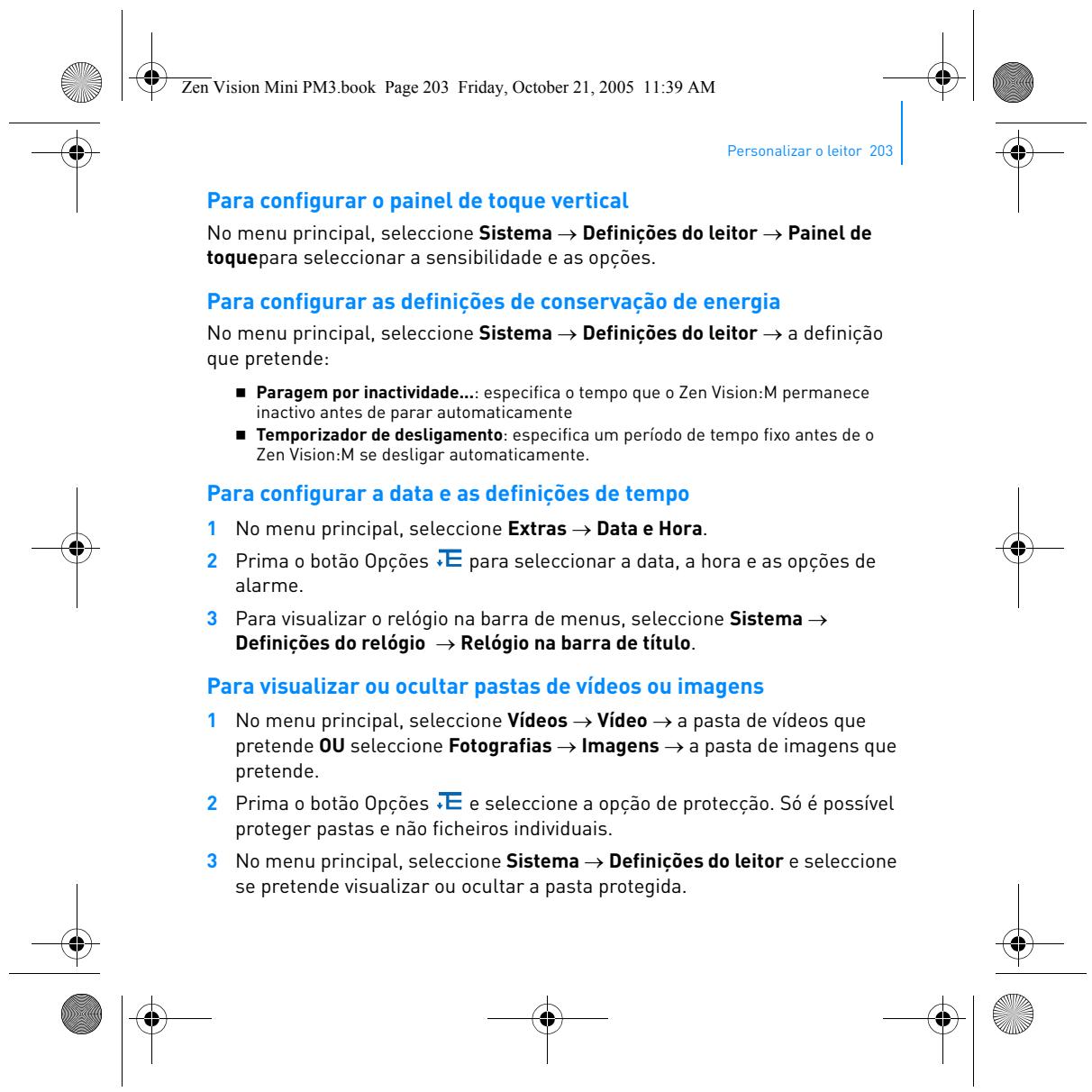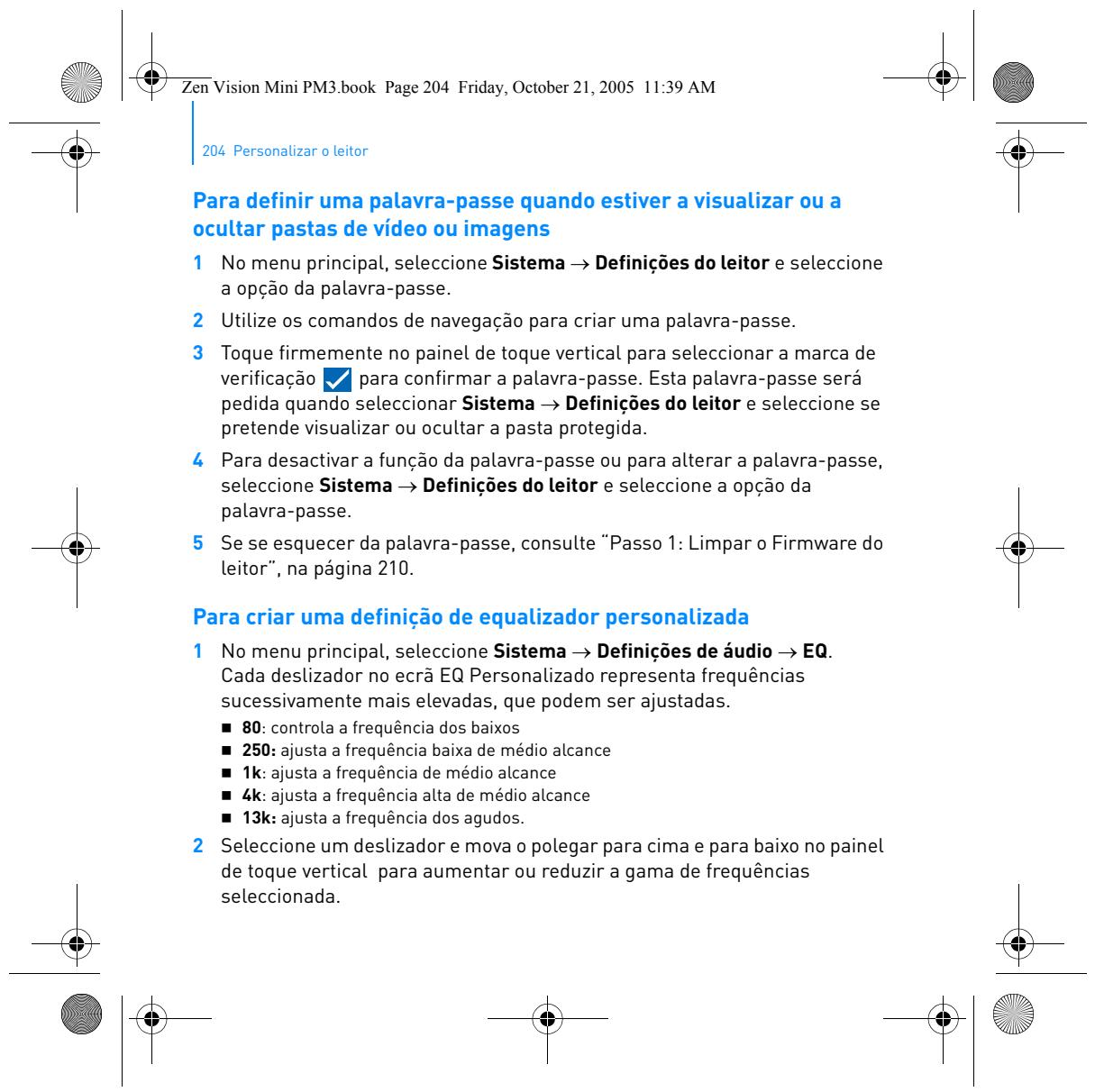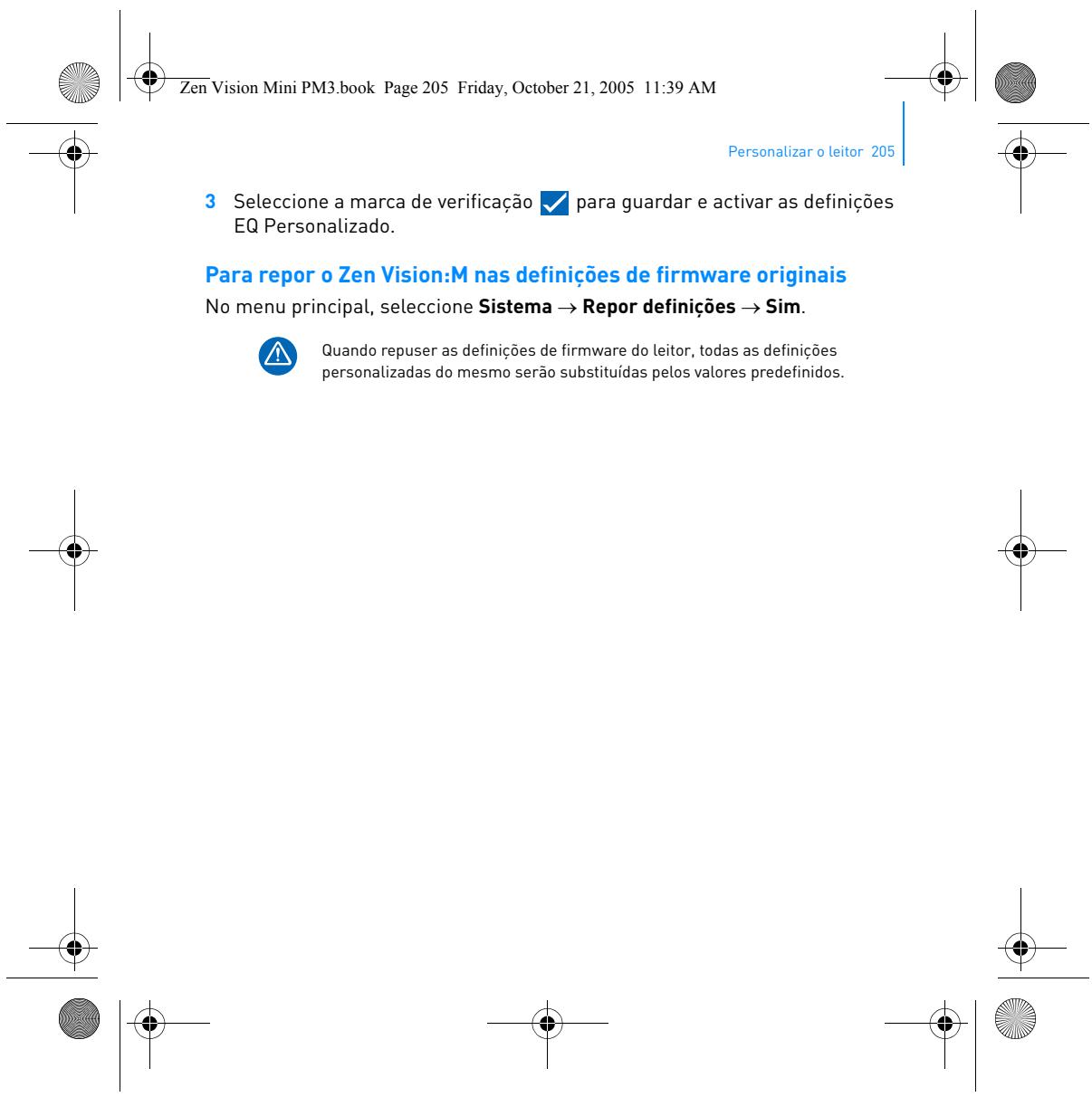
CREATIVE ZEN VISION M - Portable media player

ZEN VISION M - Portable media player CREATIVE - Free user manual and instructions

Find the device manual for free ZEN VISION M CREATIVE in PDF.

📄 218 pages English EN Download 💬 AI Question 11 questions ⚙️ Specs
Notice CREATIVE ZEN VISION M - page 4
Pick your language and provide your email: we'll send you a specifically translated version.
Product type Portable media player
Brand CREATIVE
Model ZEN VISION M
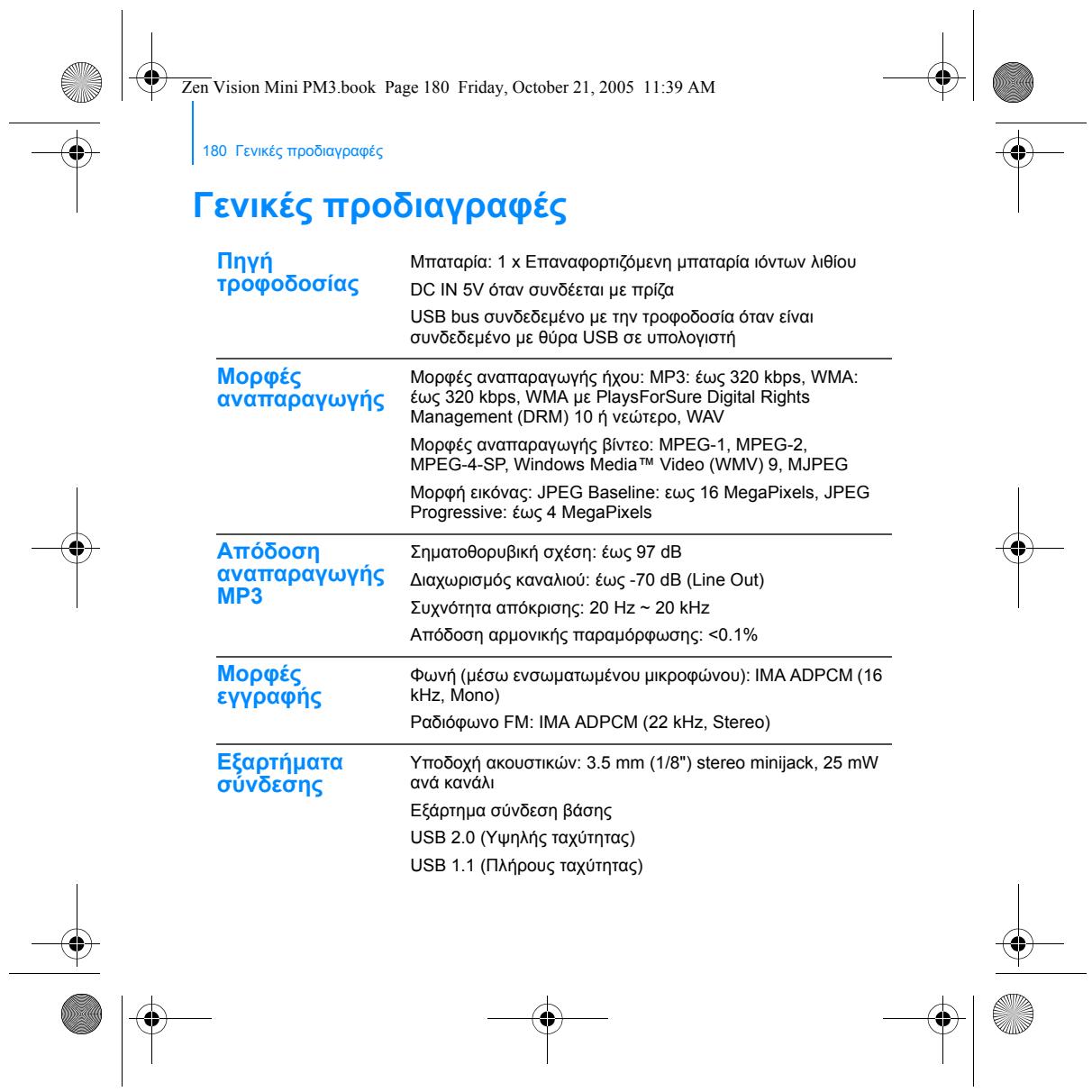
Dimensions (approx.) 104 x 61 x 20 mm
Weight (approx.) 180 g
Power supply Built-in rechargeable lithium-ion battery; 5V DC via USB or AC adapter (not included)
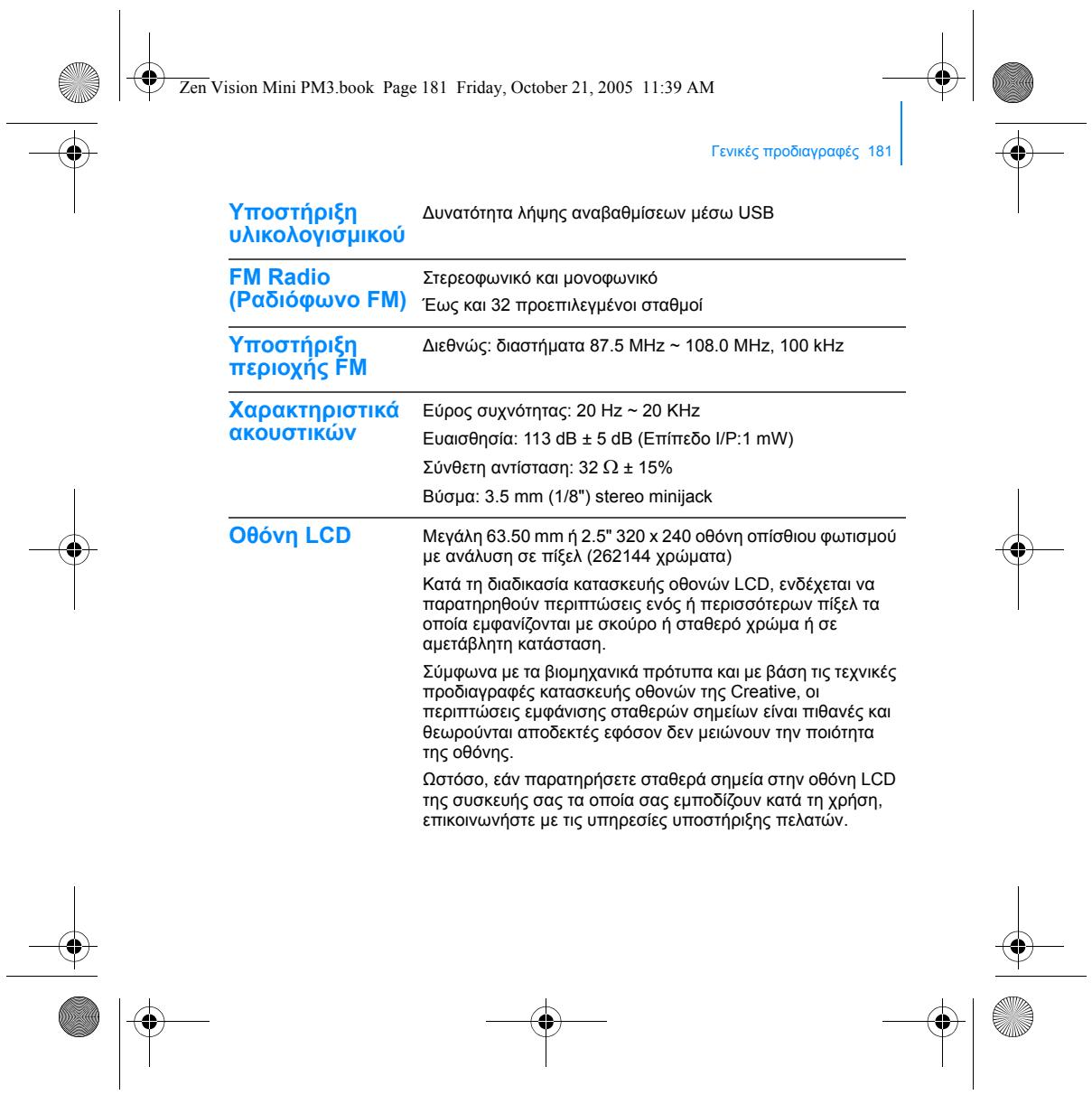
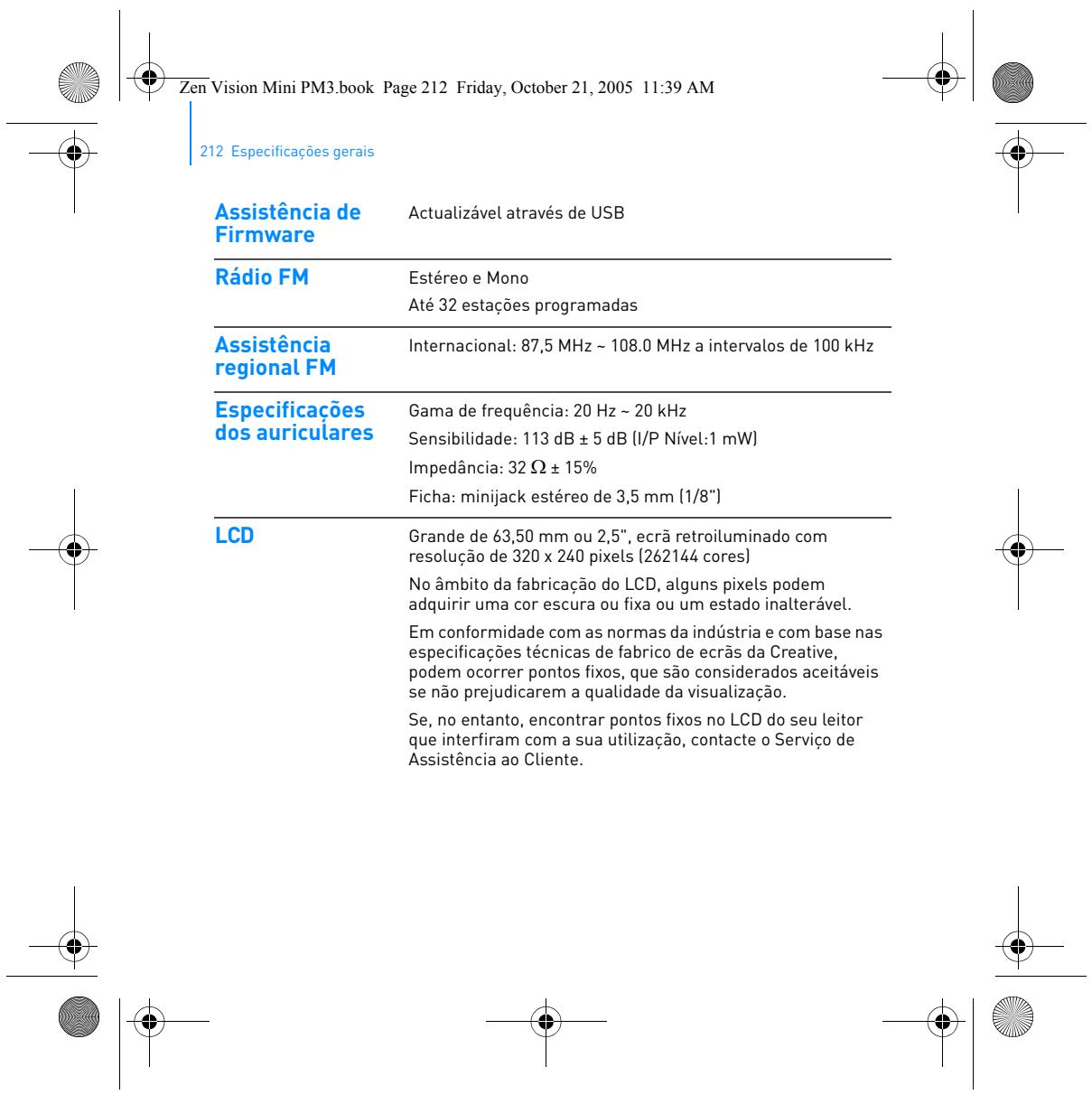
Screen Color, capacitive touchscreen
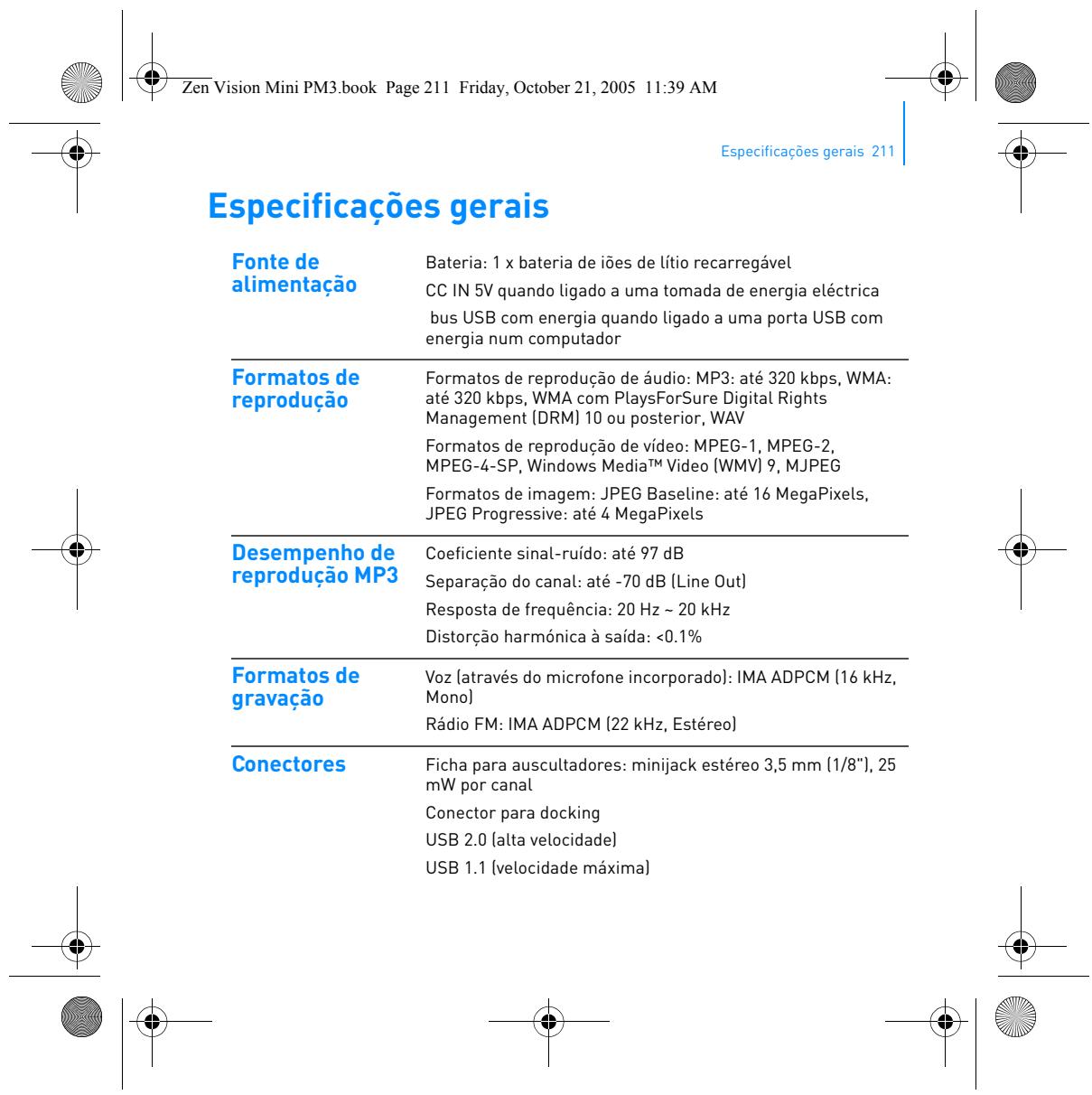
Audio playback formats MP3 (up to 320 kbps), WMA (up to 320 kbps), WMA DRM, WAV
Video playback formats MPEG-1, MPEG-2, MPEG-4 SP, WMV9, MJPEG
Photo playback formats JPEG Baseline (up to 16 MP), JPEG Progressive (up to 4 MP)
MP3 audio performance Signal-to-noise ratio up to 97 dB, channel separation up to -70 dB (line out), frequency response 20 Hz-20 kHz, distortion <0.1%
Voice recording Built-in microphone, IMA ADPCM 16 kHz, mono
FM radio recording IMA ADPCM 22 kHz, stereo
Connectors 3.5 mm stereo headphone jack, 25 mW per channel; USB 2.0 High Speed
Main functions Audio, video, and photo playback; FM radio; voice and radio recording; organizer; file management
Cleaning and maintenance Wipe with a soft, dry cloth. Do not use liquid or abrasive products.
Safety Do not expose to moisture or extreme temperatures. Use only the recommended charger.
Compatible peripherals Computer with USB port, 5V AC adapter (optional)

Frequently Asked Questions - ZEN VISION M CREATIVE

How to transfer music to the ZEN VISION M?
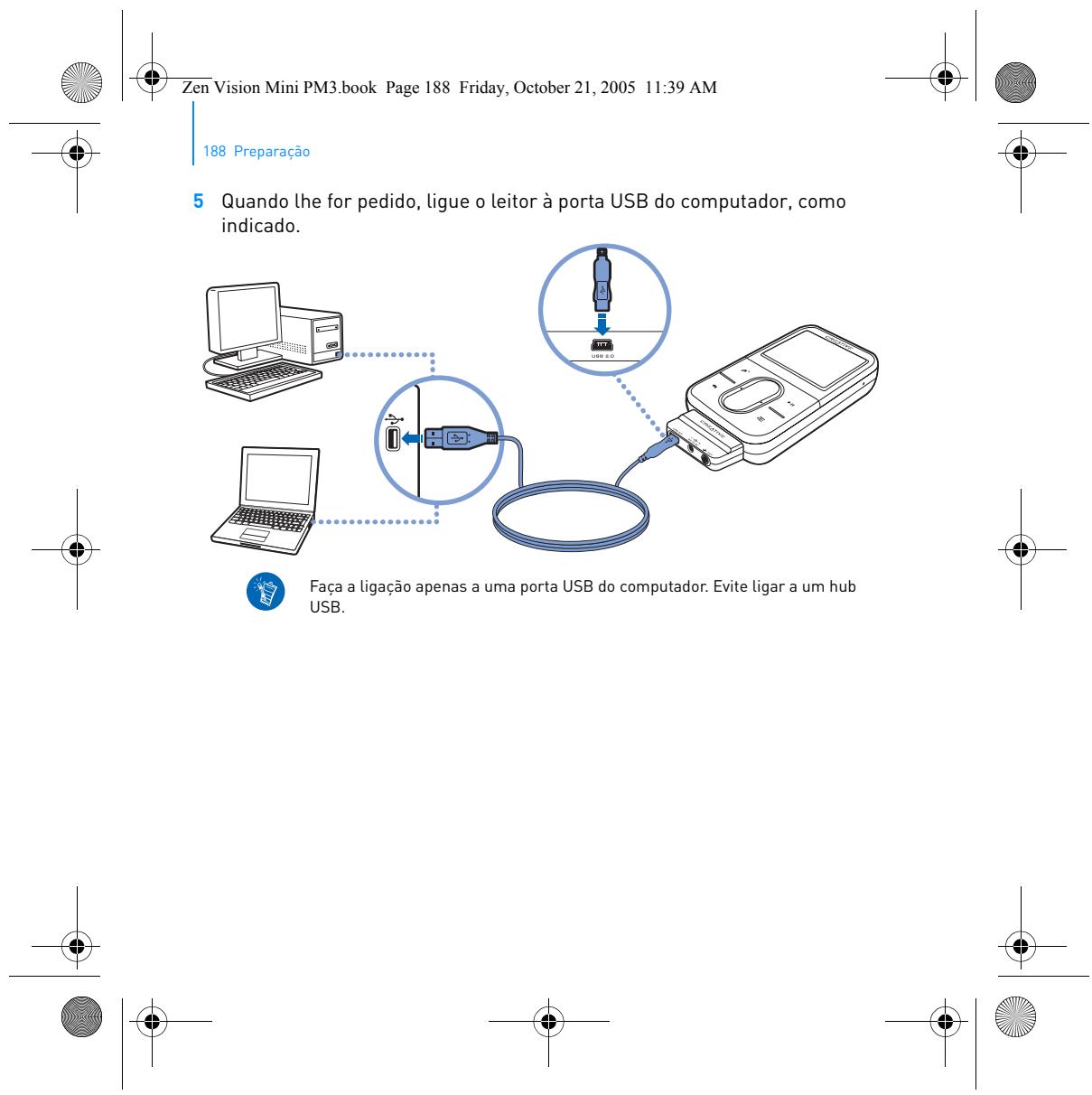
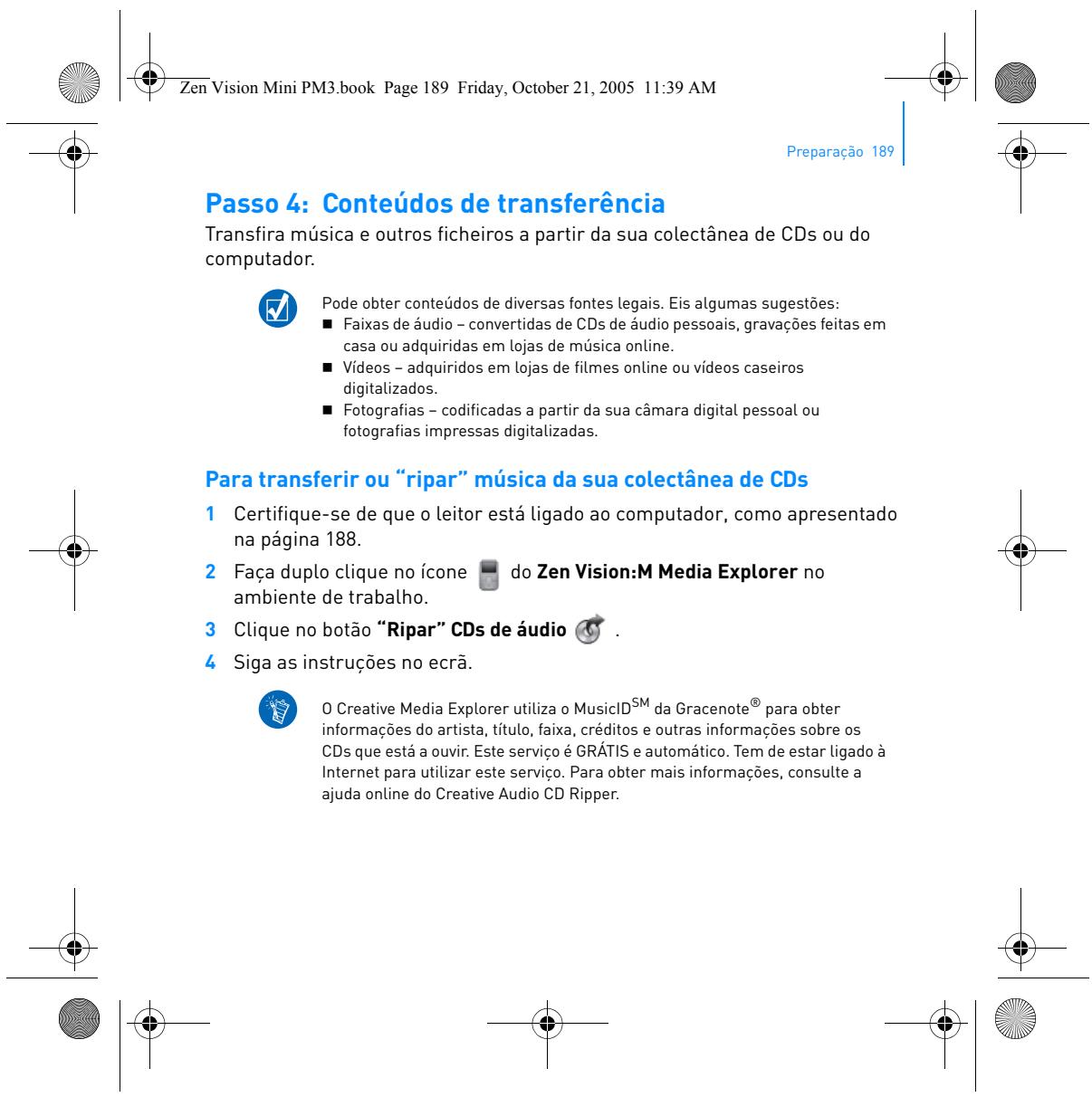
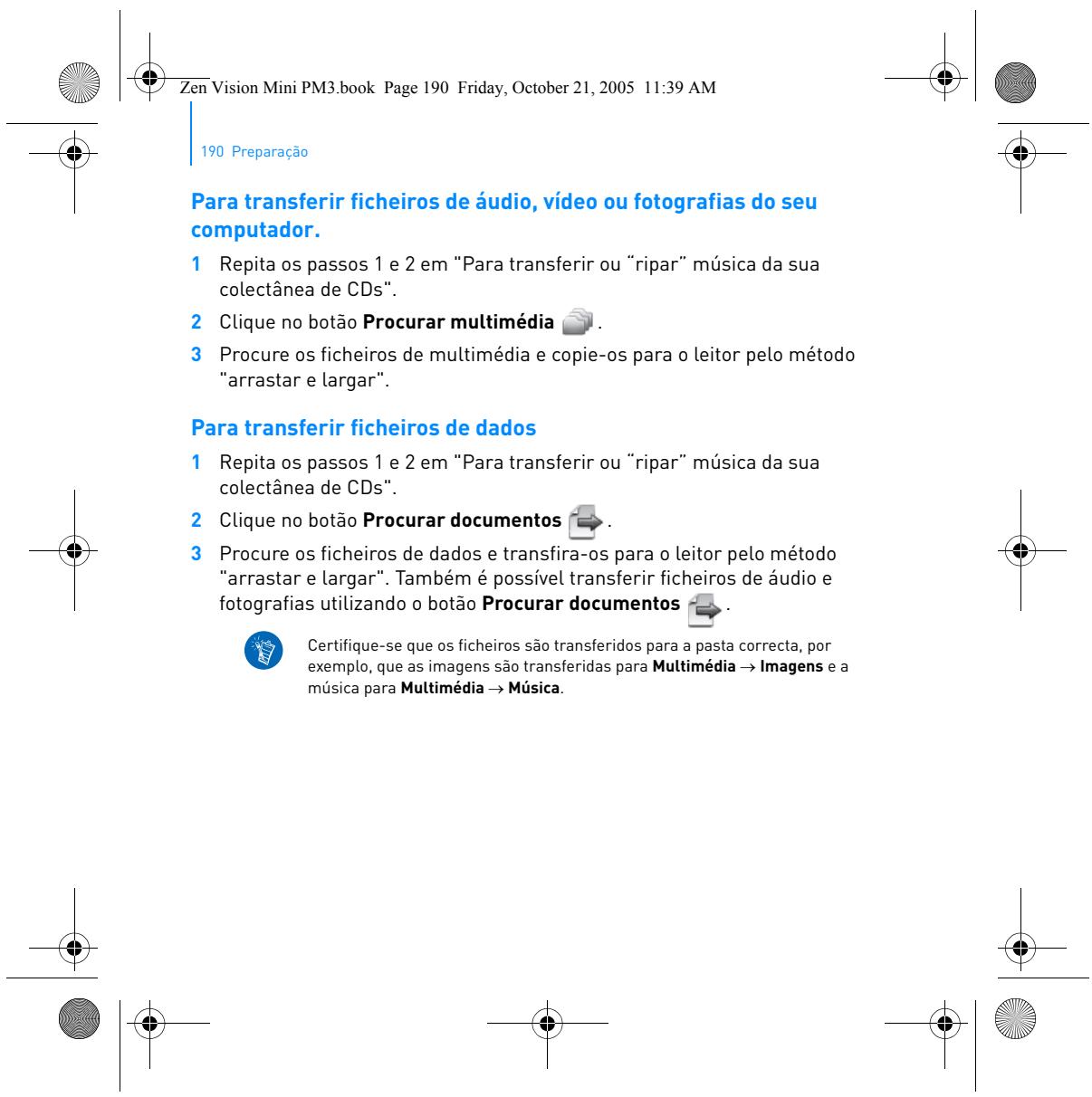
Connect the device to your computer via USB. Use the Creative Media Explorer software (or drag and drop files) to copy your MP3, WMA, or WAV tracks. You can also rip audio CDs using the Rip Audio CDs button.
What video formats are supported?
The player supports MPEG-1, MPEG-2, MPEG-4 SP, WMV9, and MJPEG formats. Other formats require prior conversion.
How to recharge the battery?
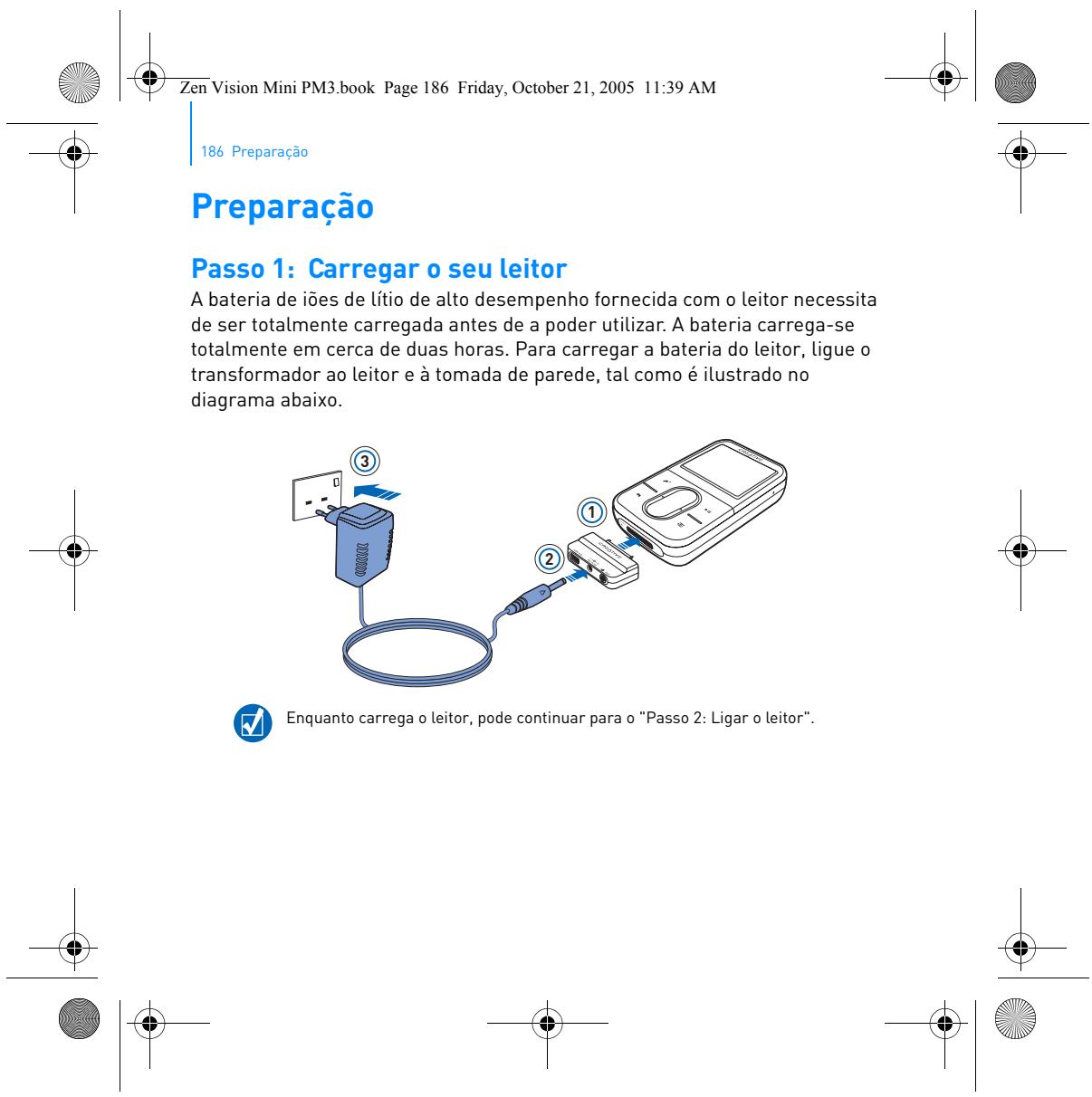
Connect the USB cable to a powered computer or a 5V AC adapter (not included). The lithium-ion battery recharges automatically.
Can I record FM radio?
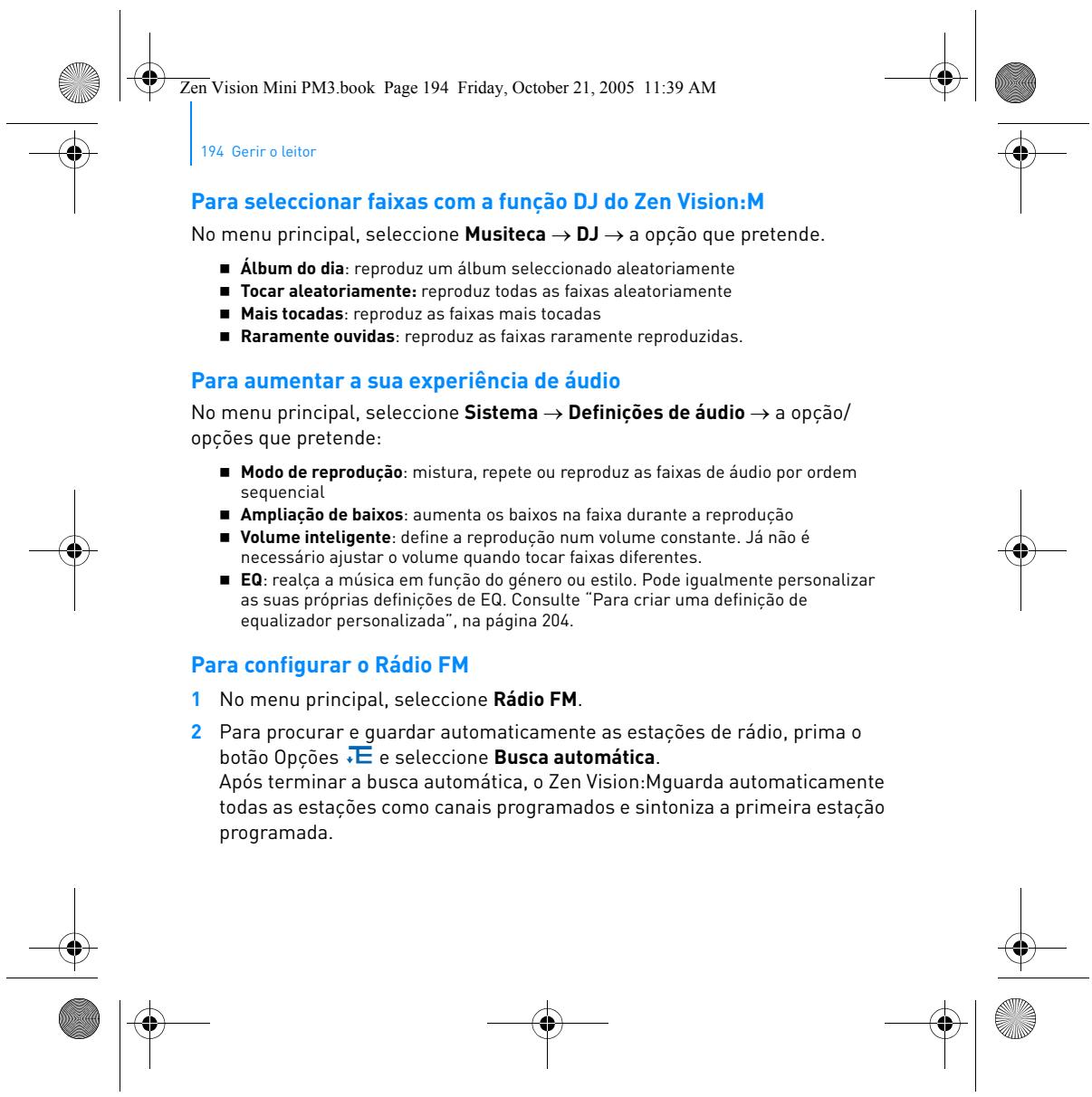
Yes, you can record FM broadcasts. The recording is in IMA ADPCM format in stereo (22 kHz).
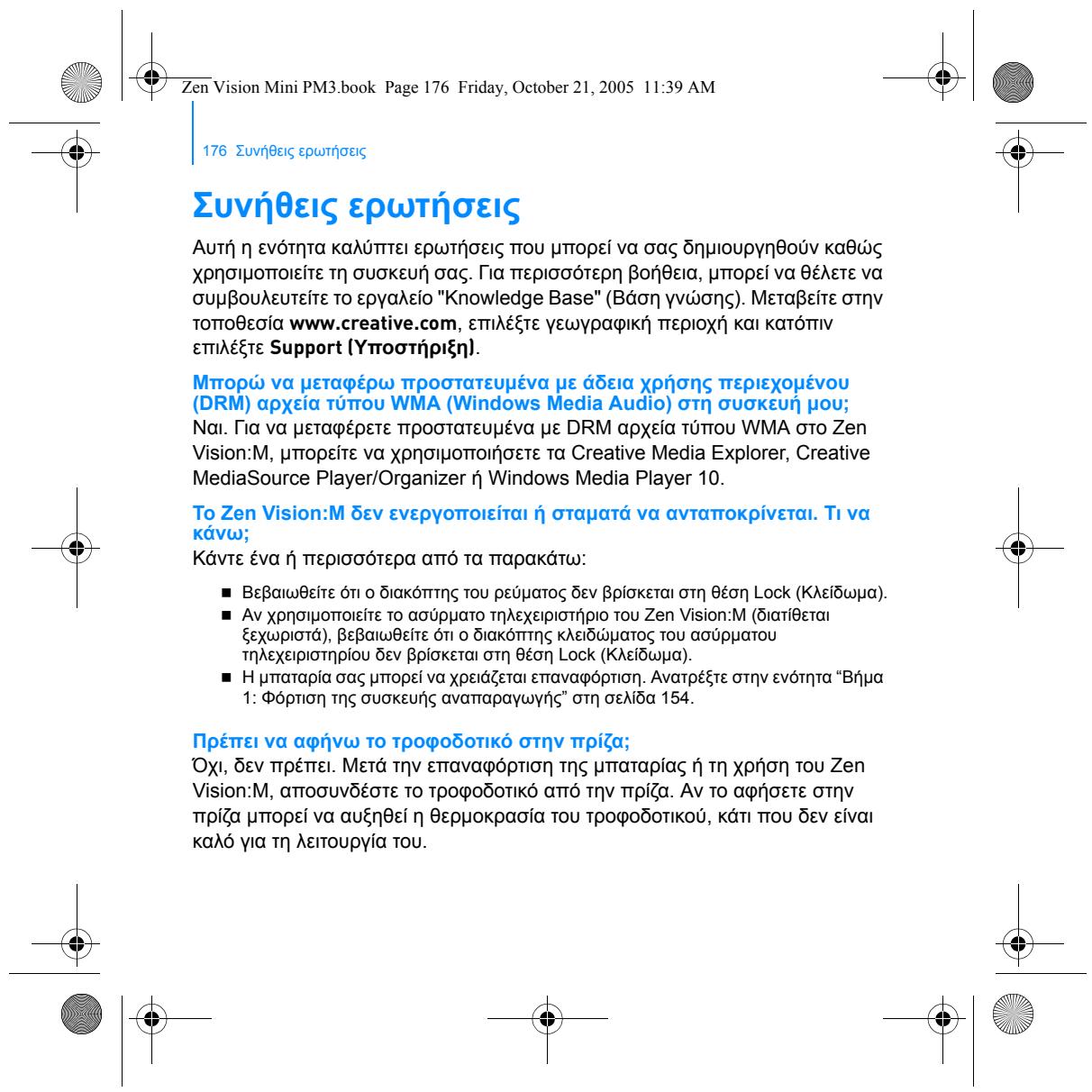
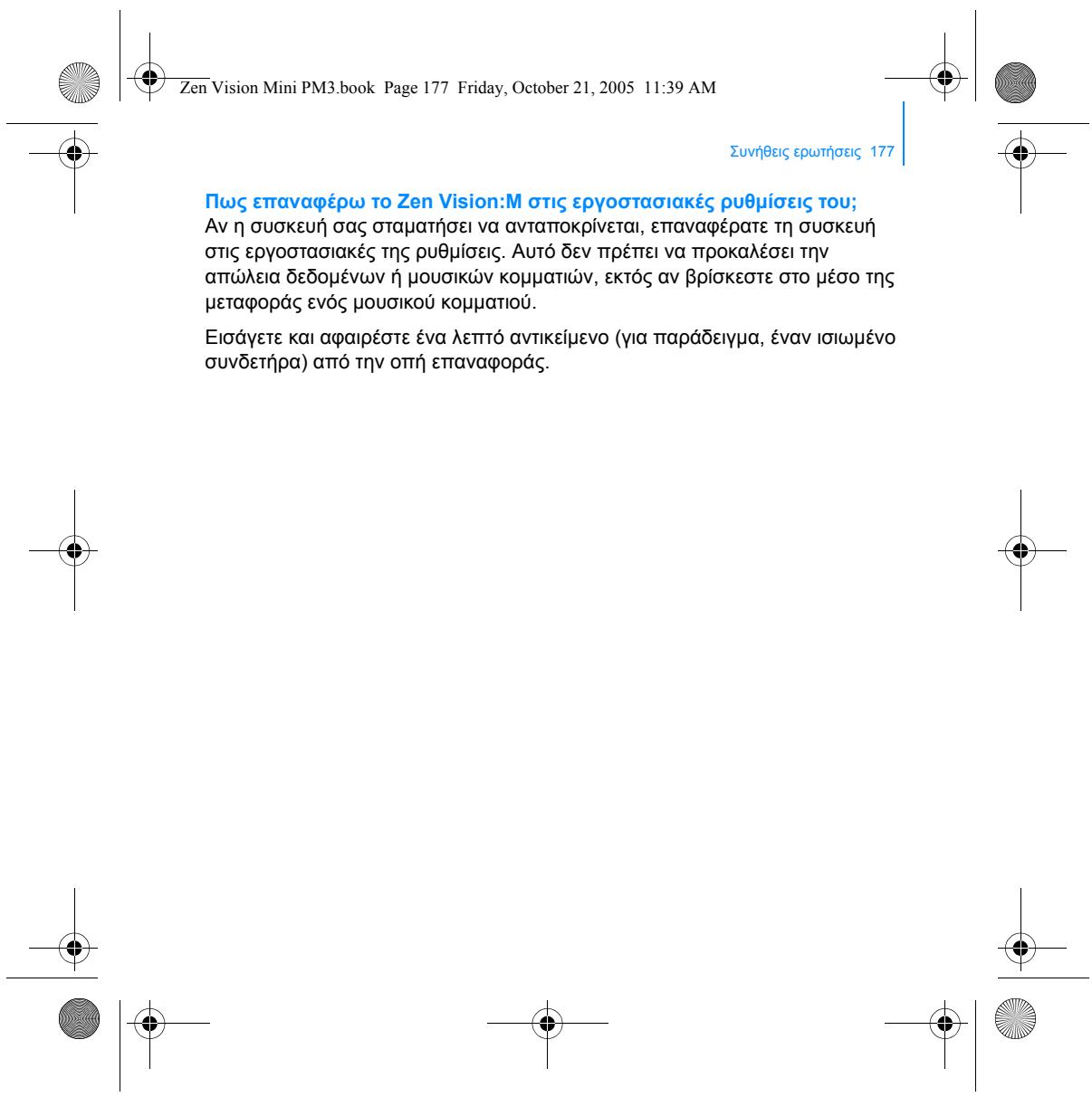
What to do if the device becomes unresponsive?
Press and hold the Power button for about 10 seconds to force a restart. If the issue persists, check the battery or contact support.
How to create a playlist?
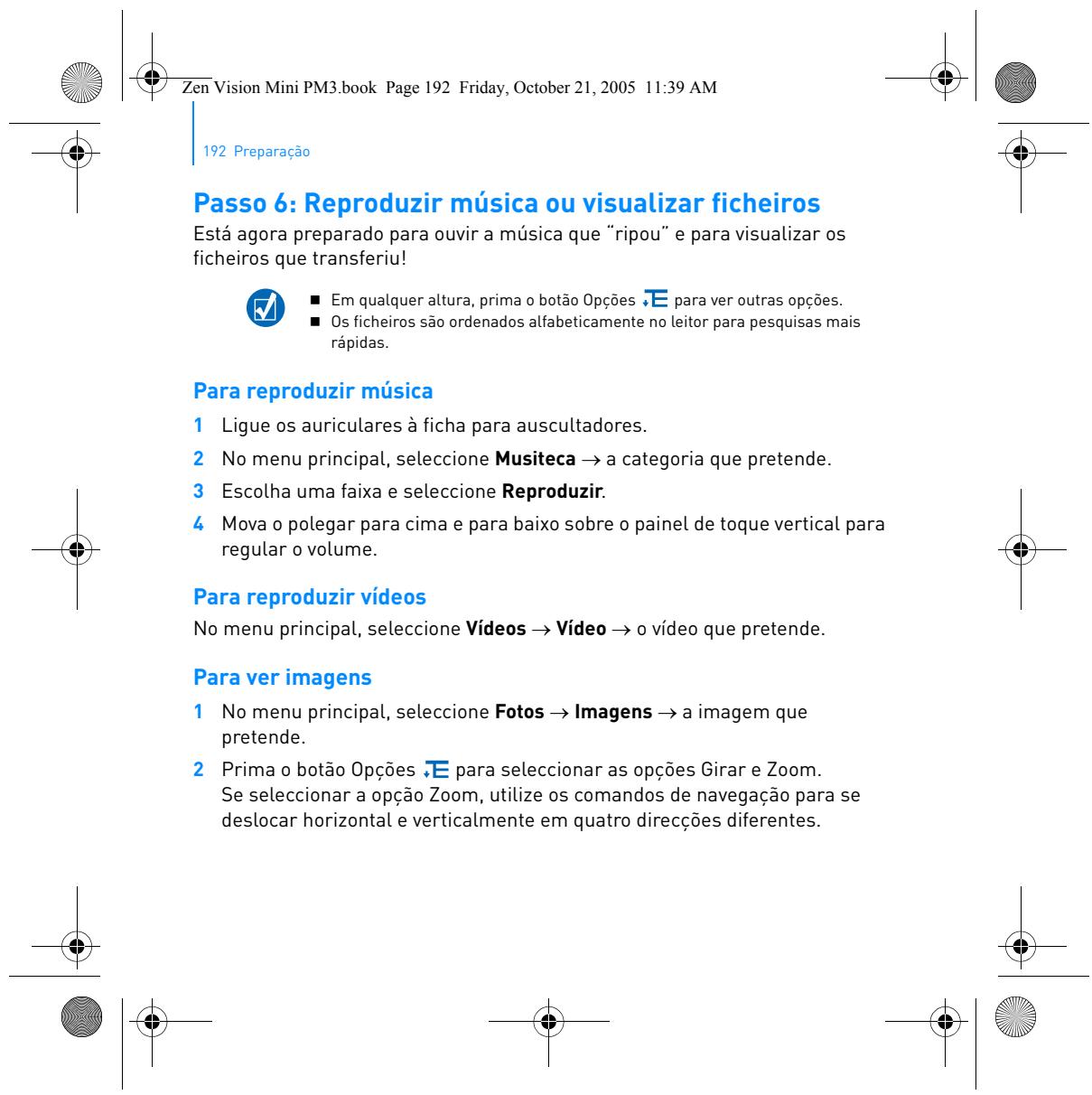
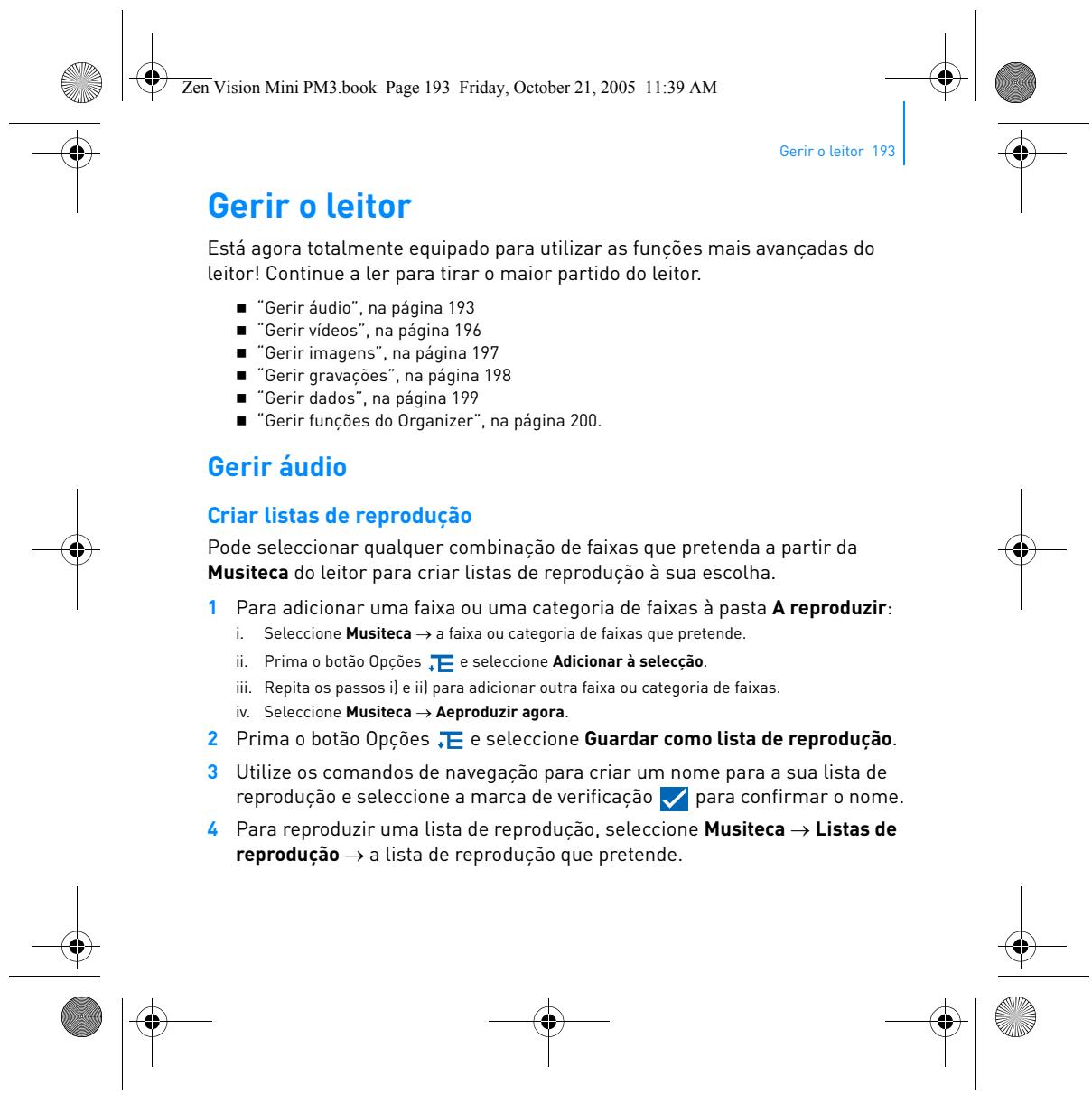
In the Music Library menu, select tracks or categories, then press Options and choose Add to Selected. Then go to Now Playing to view your playlist.
What is the maximum battery capacity?
The built-in lithium-ion battery provides approximately 20 hours of audio playback and 6 hours of video playback (approximate values).
Can I use Bluetooth headphones?
No, the ZEN VISION M does not have Bluetooth. Use a 3.5 mm wired headphone jack.
How to clean the touchscreen?
Use a soft, dry cloth (microfiber recommended). Never use liquid or abrasive products that could damage the touch surface.
Where to download the complete manual?
The manual is available free as a PDF on notice-facile.com. You can also request a translation into another language by providing your email.

User questions about ZEN VISION M CREATIVE

1 question about this device. Answer the ones you know or ask your own.

Ask a new question about this device

The email remains private: it is only used to notify you if someone responds to your question.

The device has been charged but won't turn on despite the blue light - what should I do?
Frequently Asked Questions - 17 j
Response Notice-Facile

If your ZEN VISION M has received a charge (visible blue light) but refuses to start, here are the steps to follow:

1. Force restart

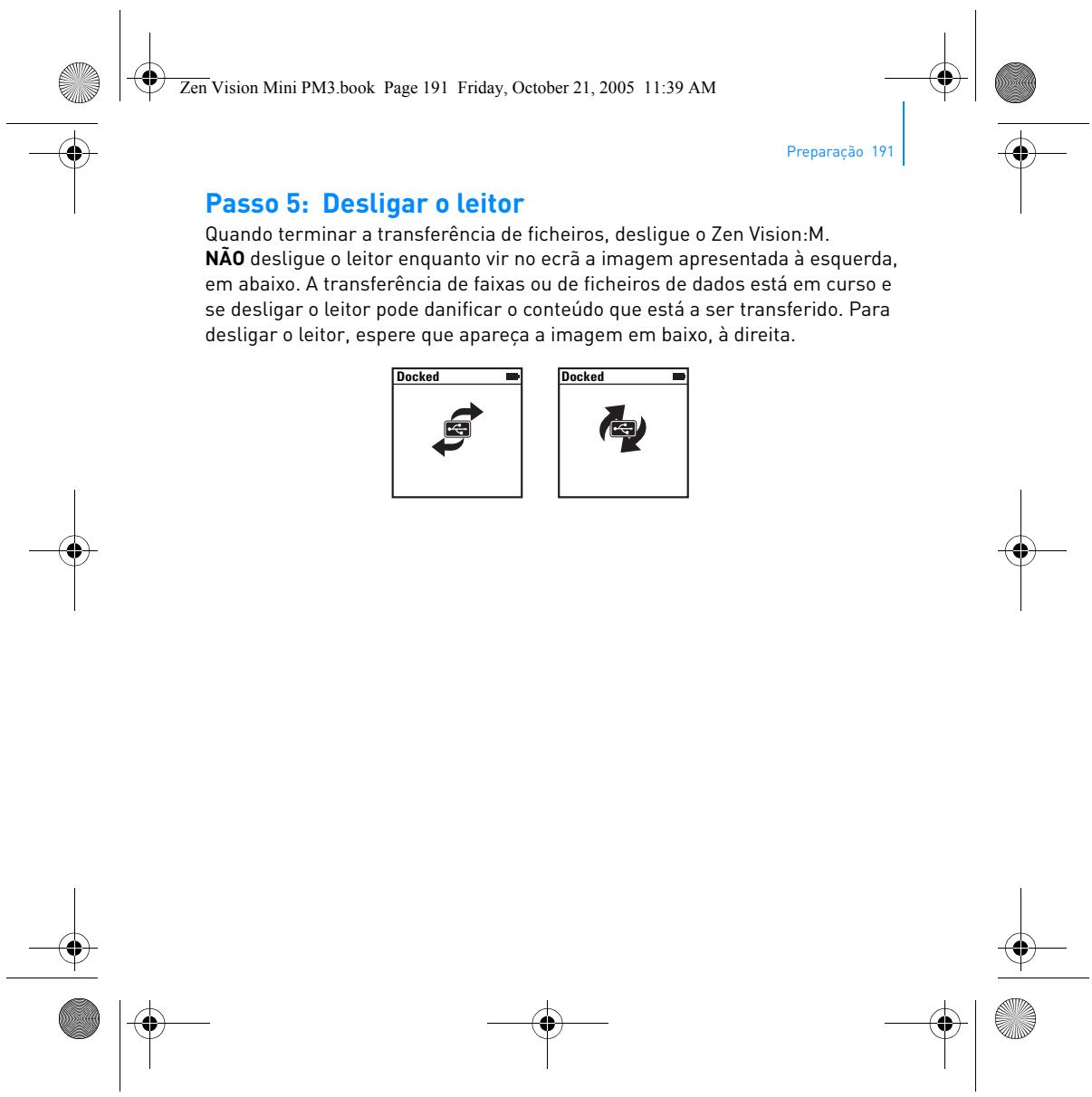
Press and hold the Power button for at least 10 seconds to force a complete shutdown and restart of the device. After this duration, release the button and wait a few seconds. The device should display a startup screen.

2. Check for full charge

Reconnect your ZEN VISION M to a computer or a 5V power adapter for at least 1 to 2 hours. The blue light indicates charging is in progress. Wait for the battery to be fully charged before any further attempts.

3. Charge using another USB cable

If the device still does not respond, test with another good condition USB 2.0 cable. A faulty cable may prevent proper charging. Also, try a different USB port or a good quality 5V adapter.

4. Let the battery rest

If the device has been inactive for a long time, the lithium-ion battery may be in deep sleep. Leave it plugged in for 30 minutes to 1 hour without forcing it, then hold the Power button for 10 seconds.

If after these steps the device still does not respond, the battery may be permanently discharged or a component may be faulty. In this case, replacement or repair will be necessary.
Respond (be the first)

Download the instructions for your Portable media player in PDF format for free! Find your manual ZEN VISION M - CREATIVE and take your electronic device back in hand. On this page are published all the documents necessary for the use of your device. ZEN VISION M by CREATIVE.
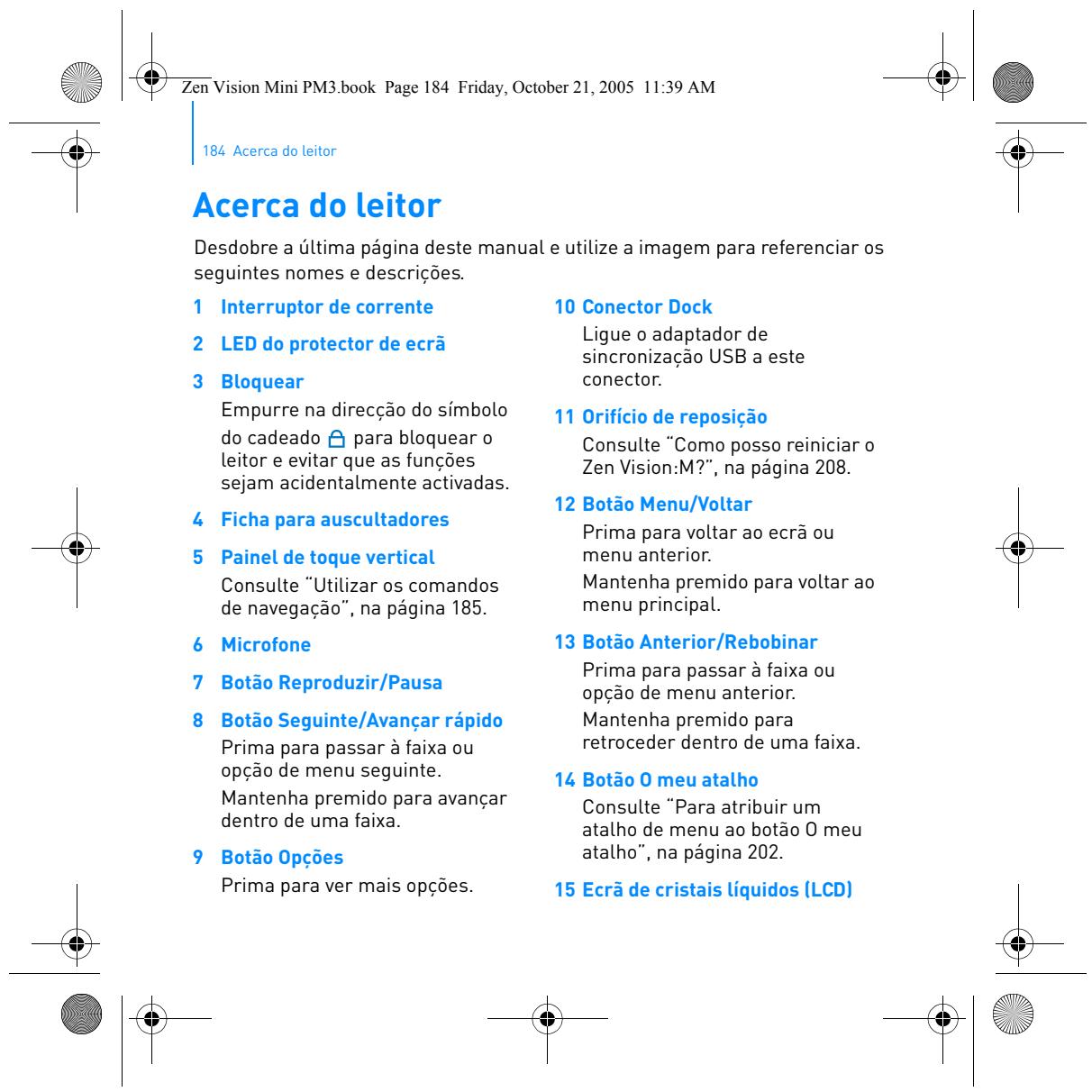
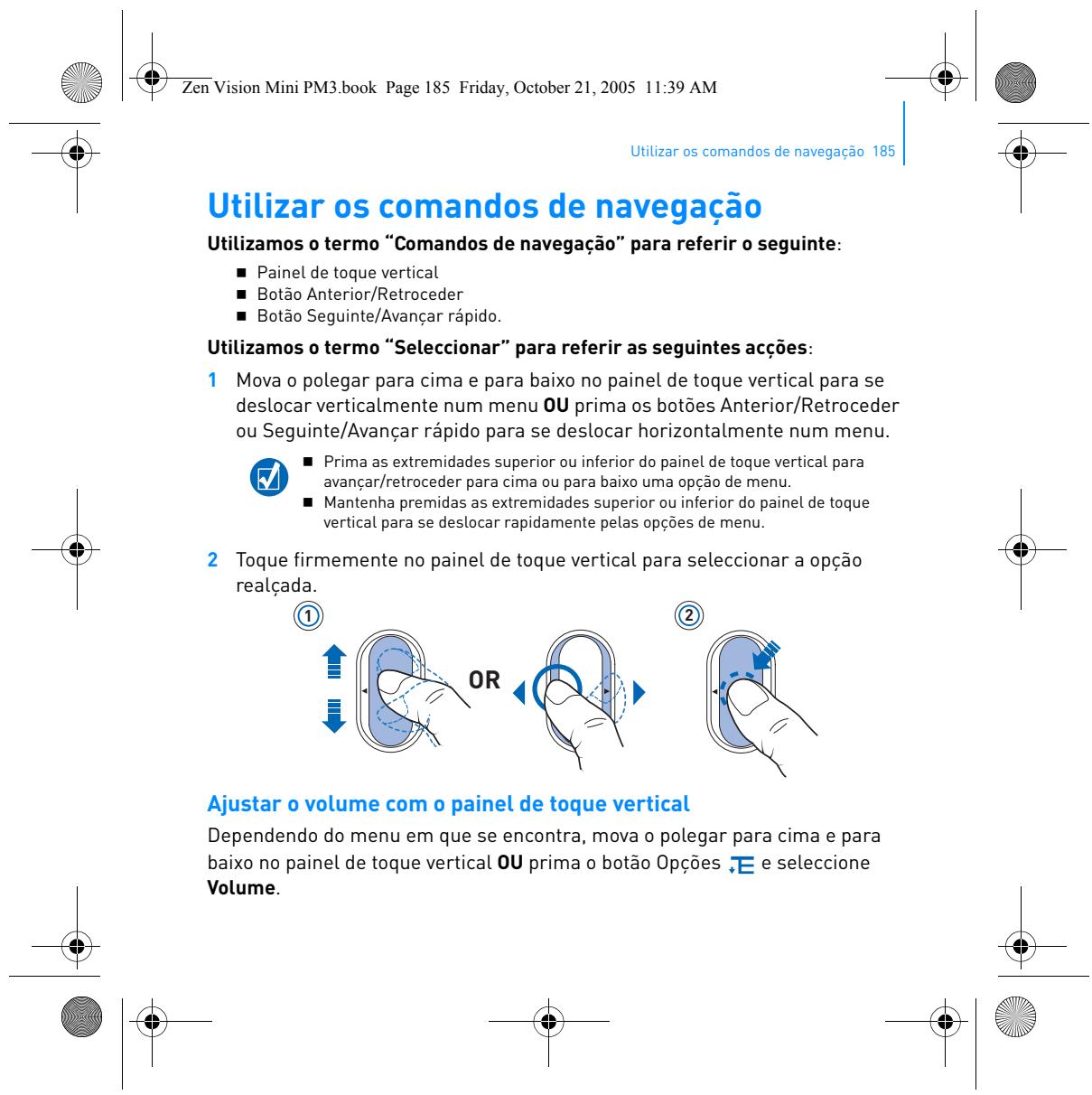
USER MANUAL ZEN VISION M CREATIVE

Zen Vision Mini PM3.book Page 157 Friday, October 21, 2005 11:39 AM

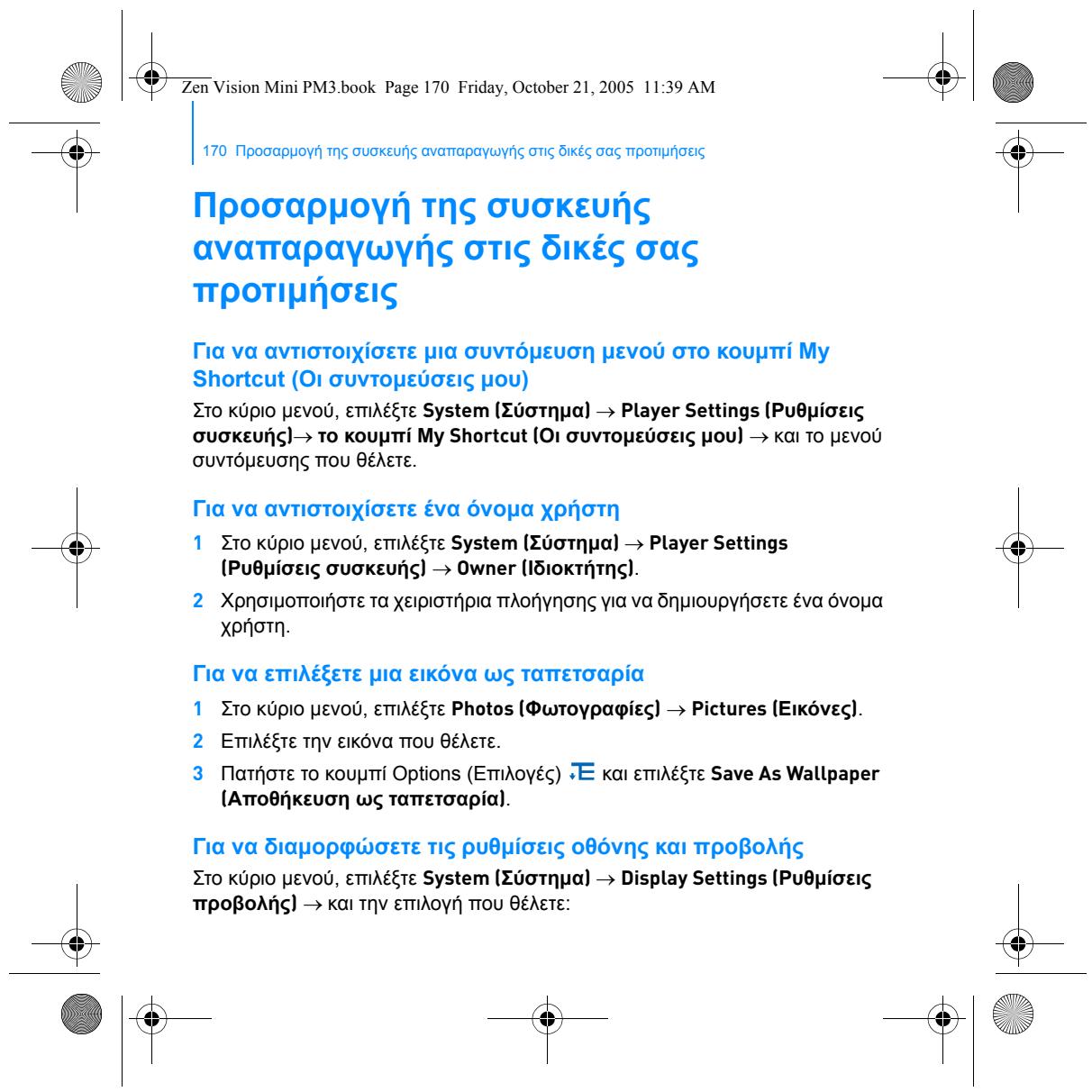
Ta npwta 157

Zen Vision Mini PM3.book Page 169 Friday, October 21, 2005 11:39 AM

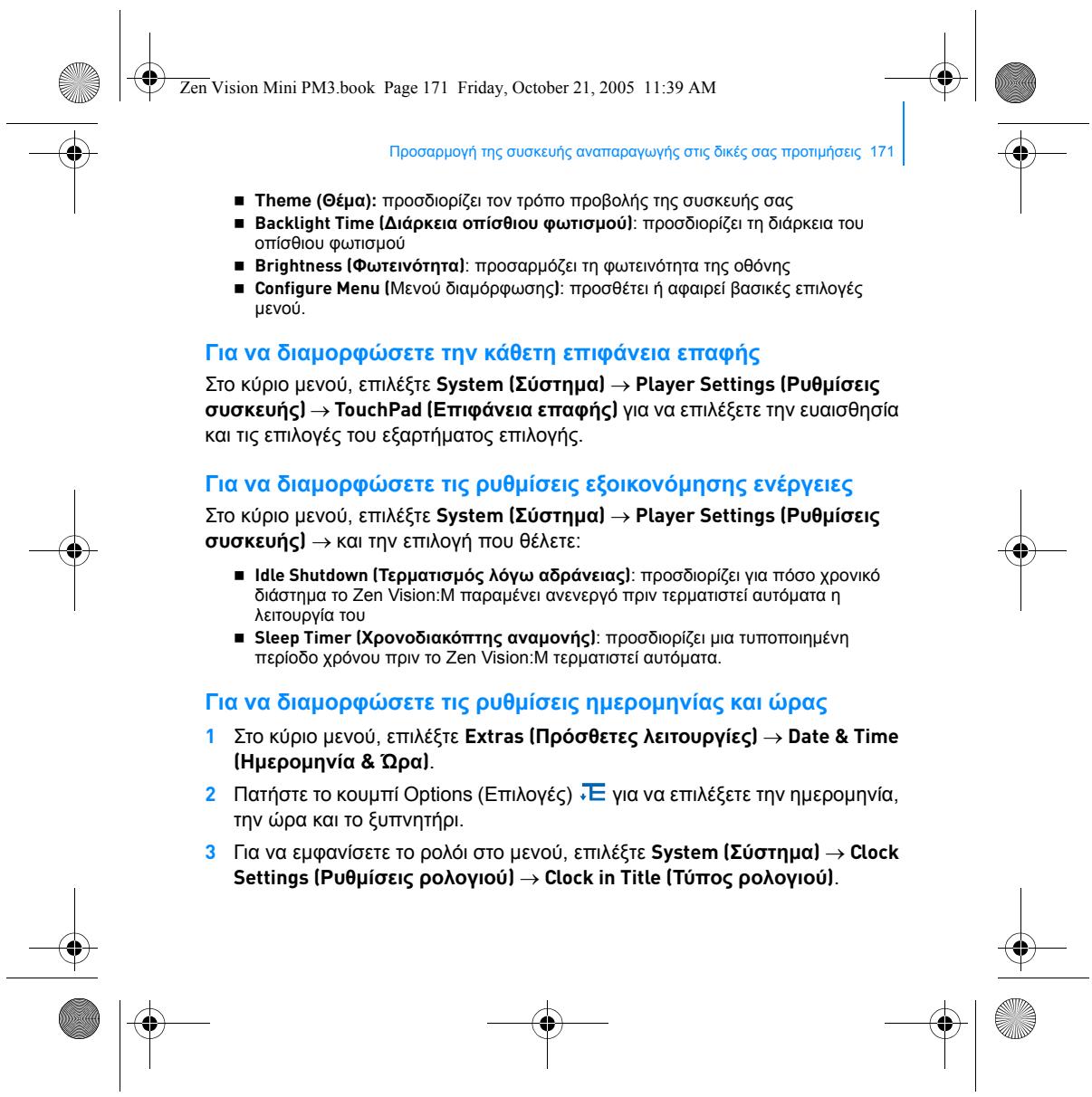
Diaxepion tsoukeunsvanapaywyns 169

CREATIVE ZEN VISION M - 1

CREATIVE ZEN VISION M - 2

CREATIVE ZEN VISION M - 3

CREATIVE ZEN VISION M - 4

CREATIVE ZEN VISION M - 5

CREATIVE ZEN VISION M - 6

CREATIVE ZEN VISION M - 7

CREATIVE ZEN VISION M - 8

CREATIVE ZEN VISION M - 9

CREATIVE ZEN VISION M - 10

CREATIVE ZEN VISION M - 11

CREATIVE ZEN VISION M - 12

CREATIVE ZEN VISION M - 13

CREATIVE ZEN VISION M - 14

CREATIVE ZEN VISION M - 15

CREATIVE ZEN VISION M - 16

CREATIVE ZEN VISION M - 17

CREATIVE ZEN VISION M - 18

CREATIVE ZEN VISION M - 19

CREATIVE ZEN VISION M - 20

CREATIVE ZEN VISION M - 21

CREATIVE ZEN VISION M - 22

CREATIVE ZEN VISION M - 23

CREATIVE ZEN VISION M - 24

CREATIVE ZEN VISION M - 25

CREATIVE ZEN VISION M - 26

CREATIVE ZEN VISION M - 27

CREATIVE ZEN VISION M - 28

CREATIVE ZEN VISION M - 29

CREATIVE ZEN VISION M - 30

CREATIVE ZEN VISION M - 31

CREATIVE ZEN VISION M - 32

CREATIVE ZEN VISION M - 33

CREATIVE ZEN VISION M - 34

CREATIVE ZEN VISION M - 35

CREATIVE ZEN VISION M - 36

CREATIVE ZEN VISION M - 37

CREATIVE ZEN VISION M - 38

CREATIVE ZEN VISION M - 39

CREATIVE ZEN VISION M - 40

CREATIVE ZEN VISION M - 41

CREATIVE ZEN VISION M - 42

CREATIVE ZEN VISION M - 43

CREATIVE ZEN VISION M - 44

CREATIVE ZEN VISION M - 45

CREATIVE ZEN VISION M - 46

CREATIVE ZEN VISION M - 47
NOTES

CREATIVE ZEN VISION M - 48

CREATIVE ZEN VISION M - 49

CREATIVE ZEN VISION M - 50

CREATIVE ZEN VISION M - 51

CREATIVE ZEN VISION M - 52

CREATIVE ZEN VISION M - 53

Manual assistant
Powered by Anthropic
Waiting for your message
Product information

Brand : CREATIVE

Model : ZEN VISION M

Category : Portable media player